Chapter 3: Operating Your Scanner
Verifying Proper Setup
34 Scantron OpScan 4ES and iNSIGHT 4ES Scanners
Verifying Proper Setup
Before starting your scanning session, you may want
to verify that the scanner is set up properly.
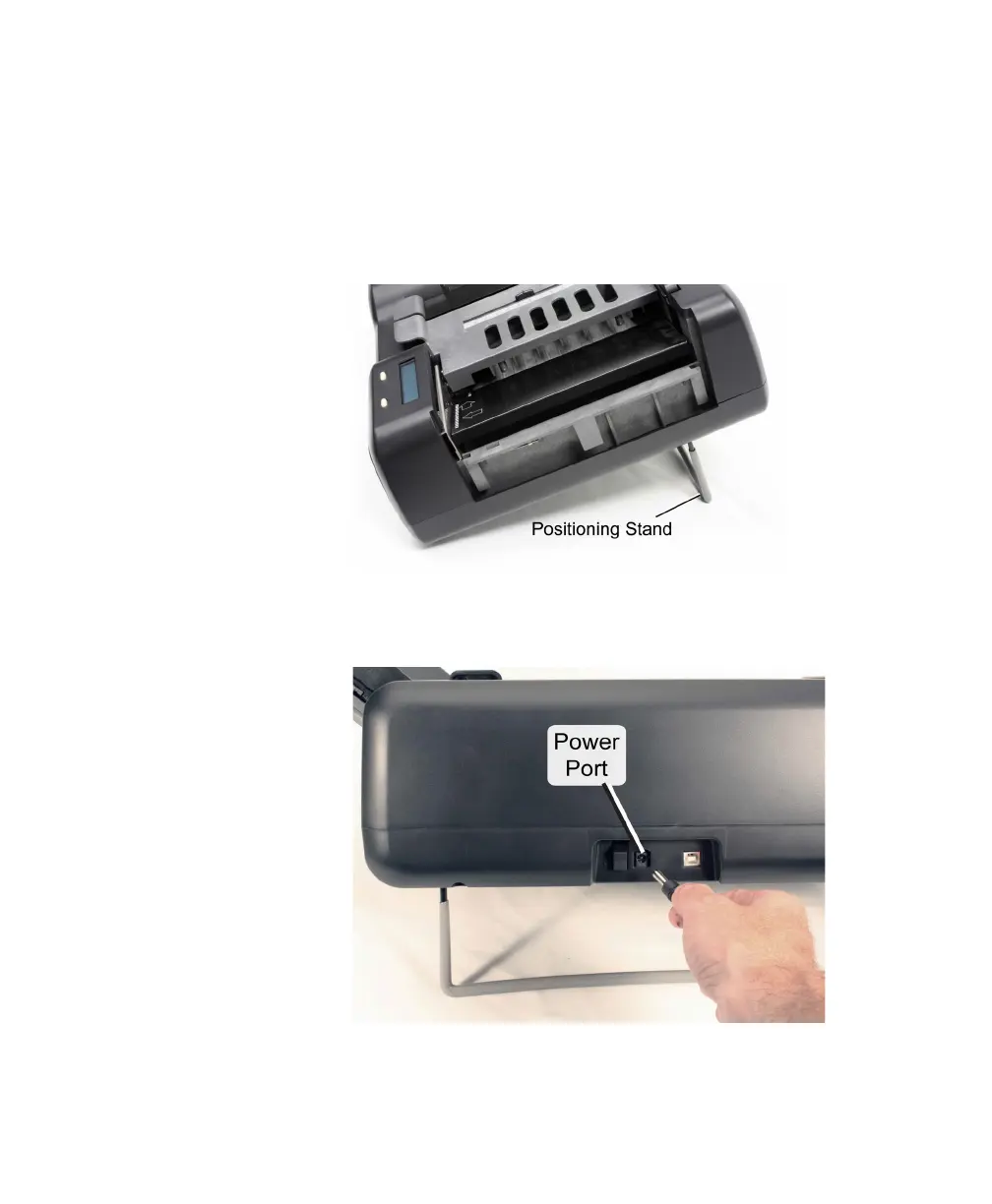
1. Ensure that the positioning stand is in the down
position.
2. Ensure that the power supply is plugged into both
a wall outlet or power strip and the back of the
scanner.



 To Next Page