Chapter 3: Operating Your Scanner
Scanning Procedure
38 Scantron OpScan 4ES and iNSIGHT 4ES Scanners
Scanning Procedure
Use the following procedure to scan a stack of sheets:
1. If there is no message in the display panel, bring
the scanner out of sleep mode by pressing either
button (about 2 seconds).
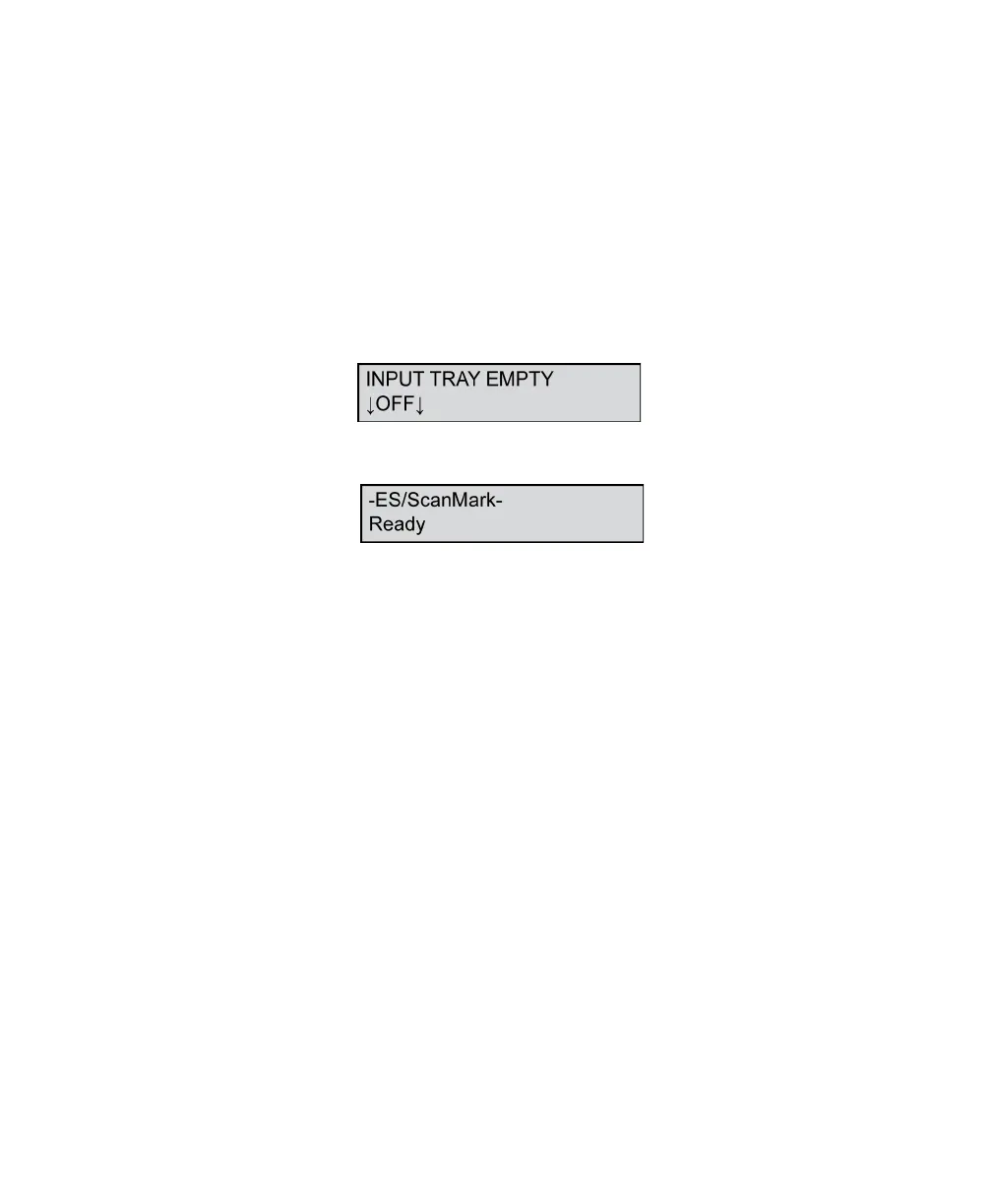
2. Verify that the scanner is ready to scan. With the
input tray empty, the display panel should display
the following message for all modes except ES/
ScanMark,
or this message if you’re in ES/ScanMark mode.
If the display does not match one of the two
above, verify that you have properly set up the
scanner as described in Chapter 2, “Setting Up
Your Scanner”. If you are unable to correct the
problem, refer to Chapter 9, “Troubleshooting”.



 To Next Page