Chapter 6: Using the Background Menu
Defaults Menu
110 Scantron OpScan 4ES and iNSIGHT 4ES Scanners
•Off
Shown For All models, all modes except SelfScore. It is not shown
for the SelfScore mode because SelfScore requires
that dual printers are enabled (turned on).
Description This menu item allows you to enable (turn on) or
disable (turn off) the printer(s).
Press Change to change printer status.
Press Next to advance to the next menu item.
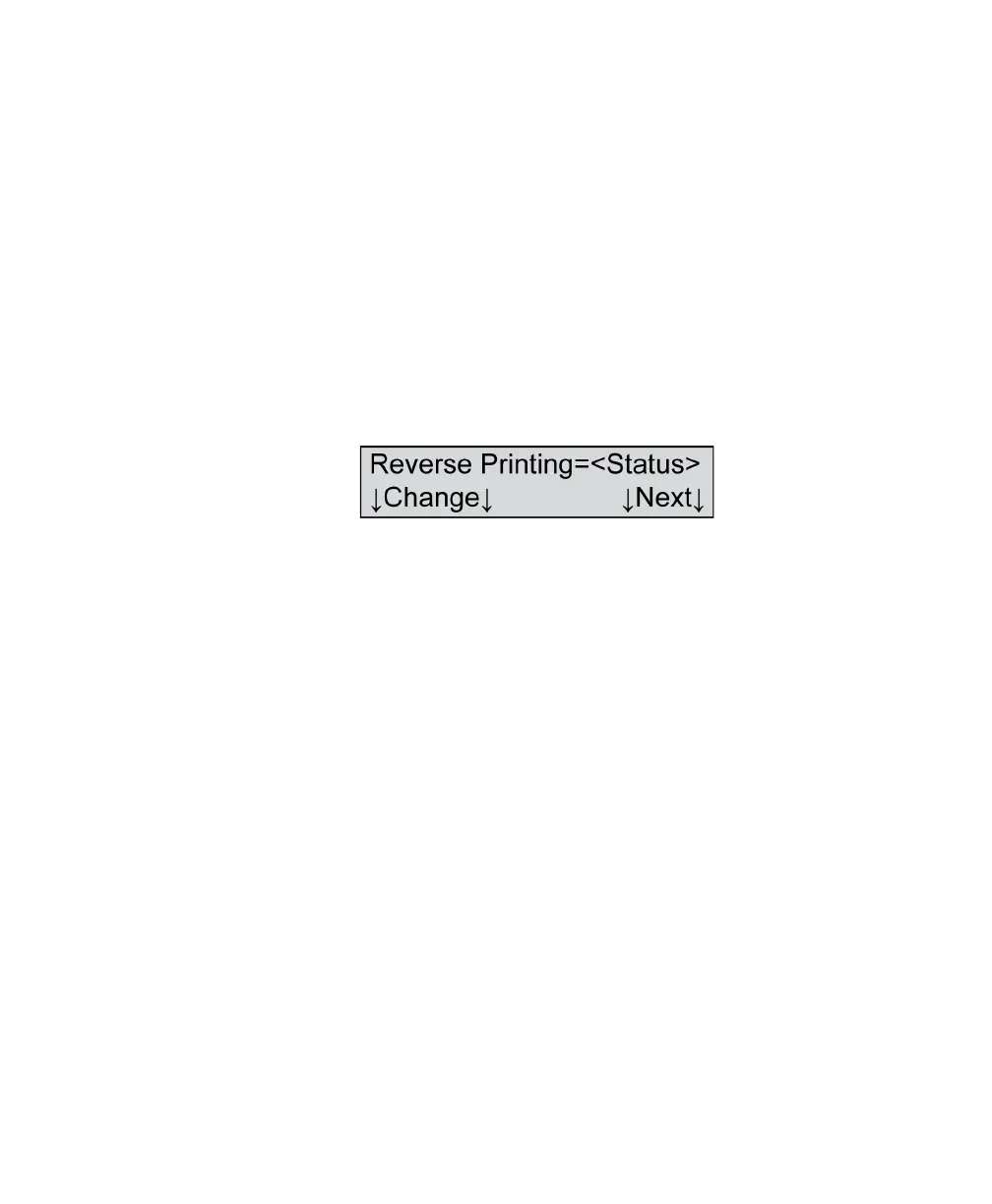
Reverse Printing
Variables Where <Status>=
•On
•Off
Shown For All models, all modes except ES/ScanMark and
SelfScore when the printer(s) are turned on
Description This menu item allows you to turn reverse printing on
or off. When reverse printing is on, the characters print
upside down when viewing the sheets as they pass
through the scanner. When reverse printing is off, the
characters will print right side up.
Press Change to change reverse print status.
Press Next to advance to the next menu item.



 To Next Page