Chapter 5: Display Panel Messages
Display Panel Messages
96 Scantron OpScan 4ES and iNSIGHT 4ES Scanners
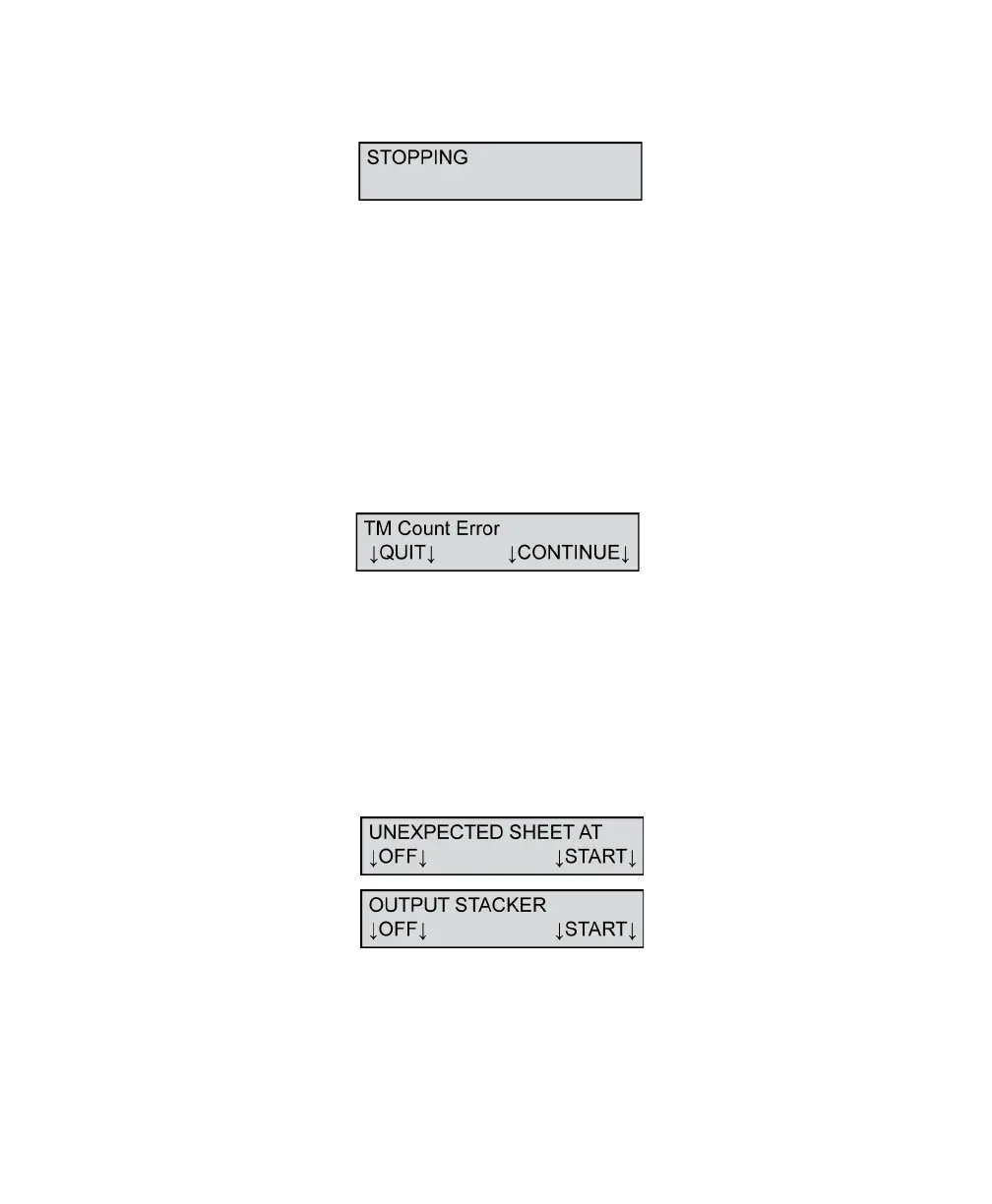
Stopping
This message appears when the operator presses
STOP on the scanner or issues a stop scanning
instruction from the software on the host computer.
The message displays until the scanner receives an
acknowledgement from the computer or until the
computer transmits all data. When that happens, the
STOPPED message is displayed.
To resolve this condition, wait until the next message is
displayed in the display panel.
TM Count Error
This message appears during Top or Bottom Read
Validation if an incorrect sheet is scanned. The correct
sheet is part number 202-171-989.
Press CONTINUE to continue read validation.
Press QUIT to abort the validation.
Unexpected Sheet At Output Stacker
This message displays when a sheet arrives at the
wrong stacker. This message is also displayed as a
result of a dirty sensor and/or dirty conditions
surrounding the sensor area.



 To Next Page