Chapter : Transport Printer
Turning the Printer(s) On Or Off
Operator’s Guide 179
Turning the Printer(s) On Or Off
You can turn the printer(s) on or off using the
background menu. This allows you turn off printing
without having to remove the printer cartridge.
NOTE: If you are setting up printing for the first time,
you should check to verify that the printer is
turned on.
Use the following procedure to change the printer
status.
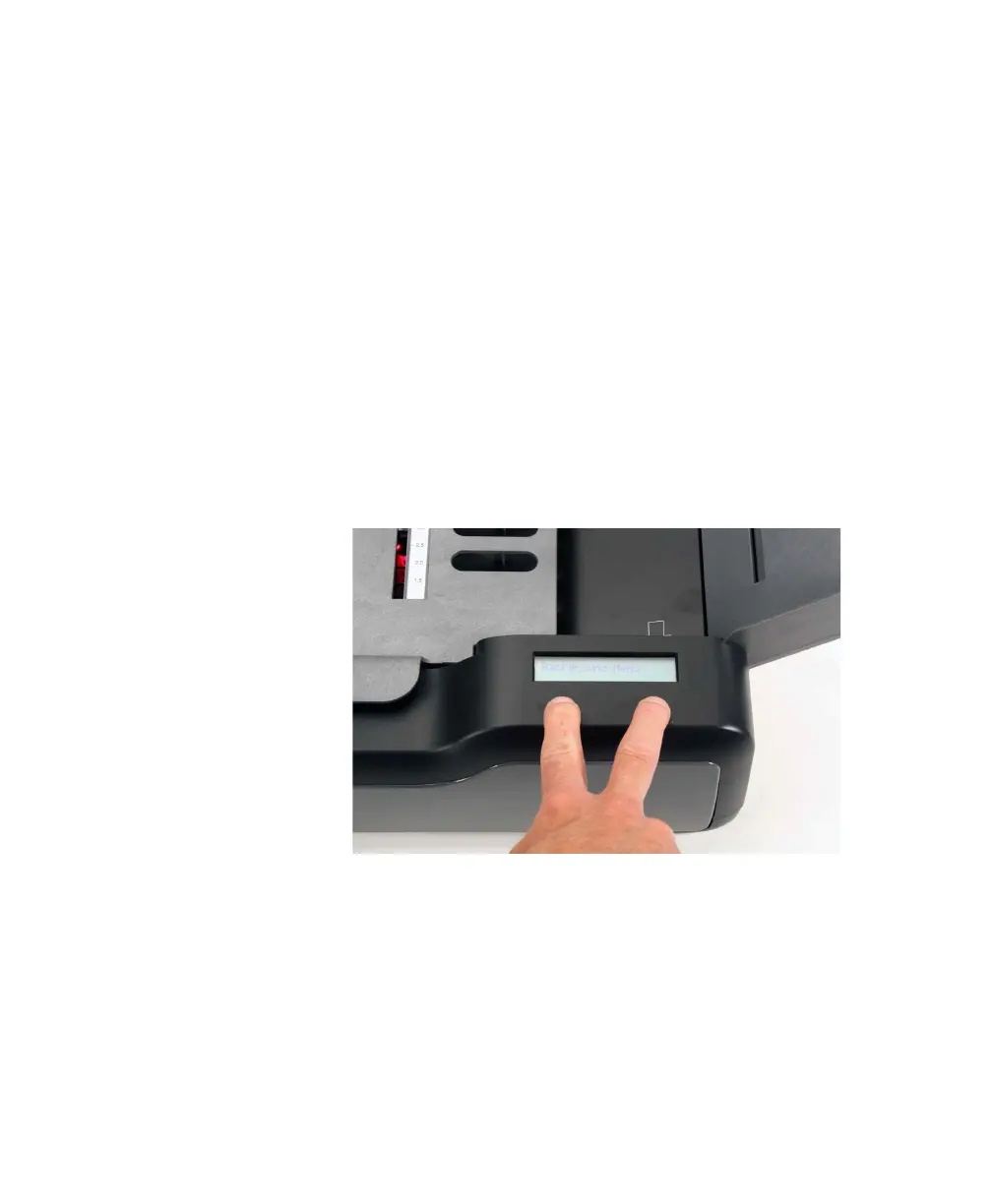
1. Hold down (at the same time) the left and right
buttons found under the display panel for about
five seconds to enter the background menu. When
the Background Menu message appears briefly,
release the buttons.
NOTE: For a complete listing of all background
menu items, see Chapter 6, “Using the Back-
ground Menu”.



 To Next Page