Chapter : Bar Code Reader
Troubleshooting
198 Scantron OpScan 4ES and iNSIGHT 4ES Scanners
Troubleshooting
To diagnose a problem that you are having with your
bar code reader, use the procedure below.
1. Verify that the configuration in your scanning soft-
ware is set for bar code (e.g., in ScanTools, make
certain that the Bar Code option on the Scanner
Configuration dialog is enabled). Consult your
software documentation if you are uncertain how
to proceed.
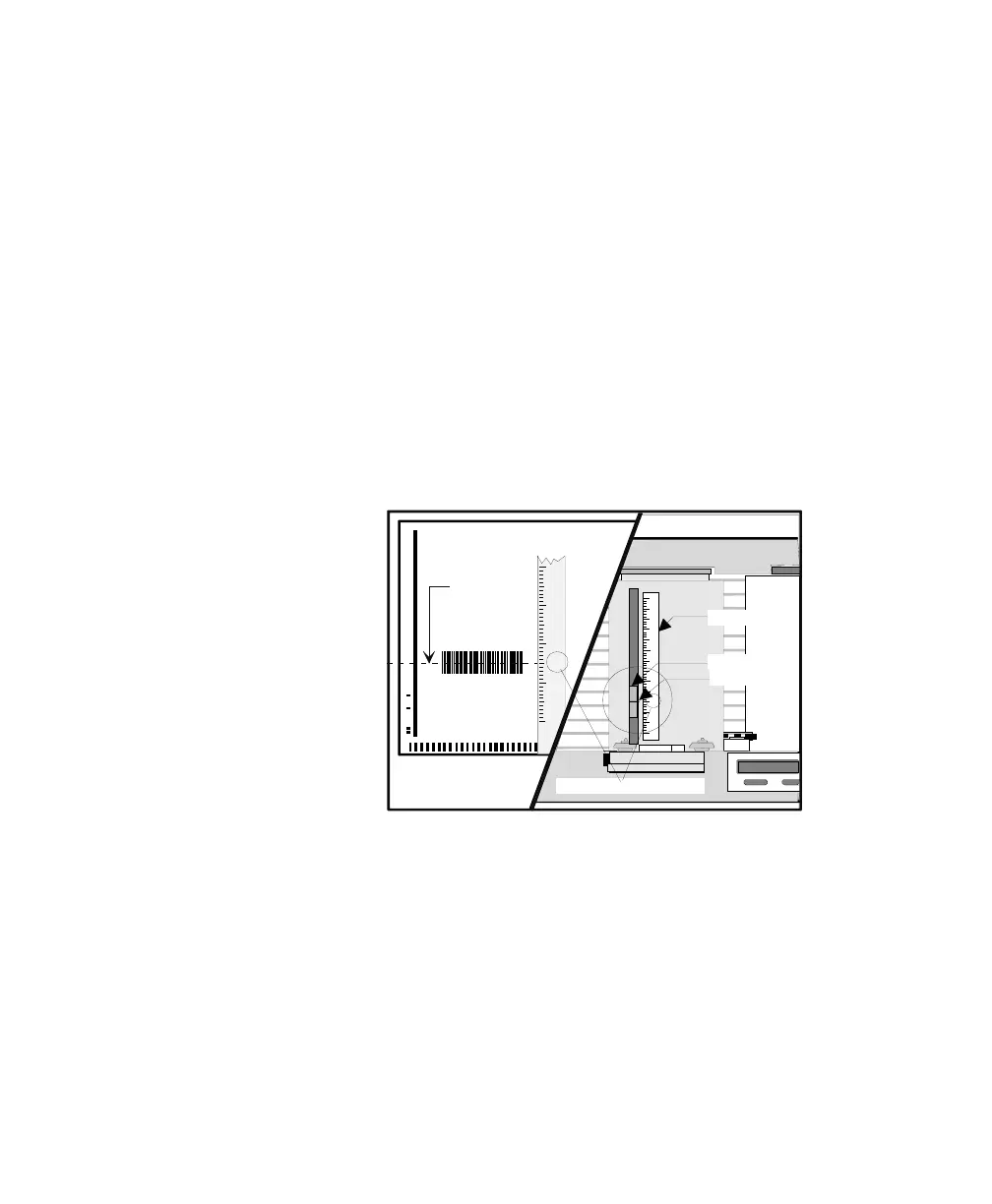
2. Verify that the bar code reader sensor is
positioned to read the center of the bar code as it
travels through the scanner. Do this by measuring
from the guide (left) edge of the sheet to the
center of the bar code. Then set the sensor pointer
to that indicator number.
8.0
7.5
7.0
6.5
6.0
5.5
5.0
4.,5
4.0
4.5
3.5
3.0
2.5
2..0
Guide Edge
Center
of
Bar Code
6.0
5.5
5.0
4.5
4.0
3.5
3.0
2.5
2.0
Indicator Number
Index Bar
Sensor Head
Sensor Pointer



 To Next Page