Chapter : Bar Code Reader
Scanning Bar Codes
Operator’s Guide 197
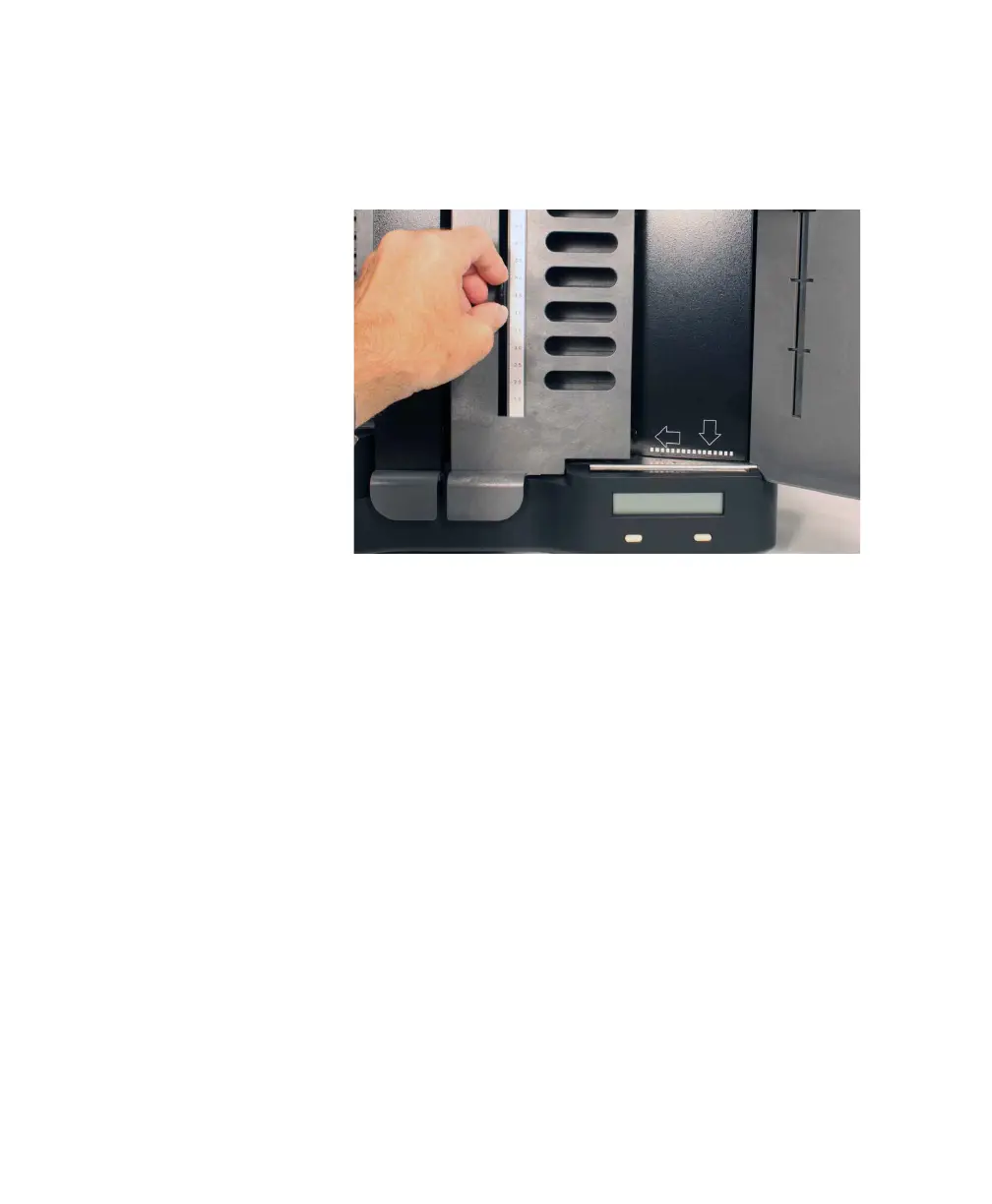
2. Locate the number on the index bar that matches
the indicator number you found in step 1. Slide the
sensor head along the index bar until the sensor
pointer lines up with the indicator number.
3. Scan bar coded sheets the same way as you would
any others. See “Scanning Procedure” on page 38
for details.
IMPORTANT: Bar codes must be on the top side of
the sheet as you scan it.
4. Use your ScanTools scanning software on the host
computer to begin scanning. Your scanning
software must be able to accept bar code data.
NOTE: If you need an explanation of any messages
shown on the display panel, see Chapter 5,
“Display Panel Messages”.



 To Next Page