Chapter 2: Setting Up Your Scanner
Installing Printer Cartridge(s)
22 Scantron OpScan 4ES and iNSIGHT 4ES Scanners
Installing Printer Cartridge(s)
If your scanner is equipped with the transport printer
option, use the following instructions to install the
printer cartridges.
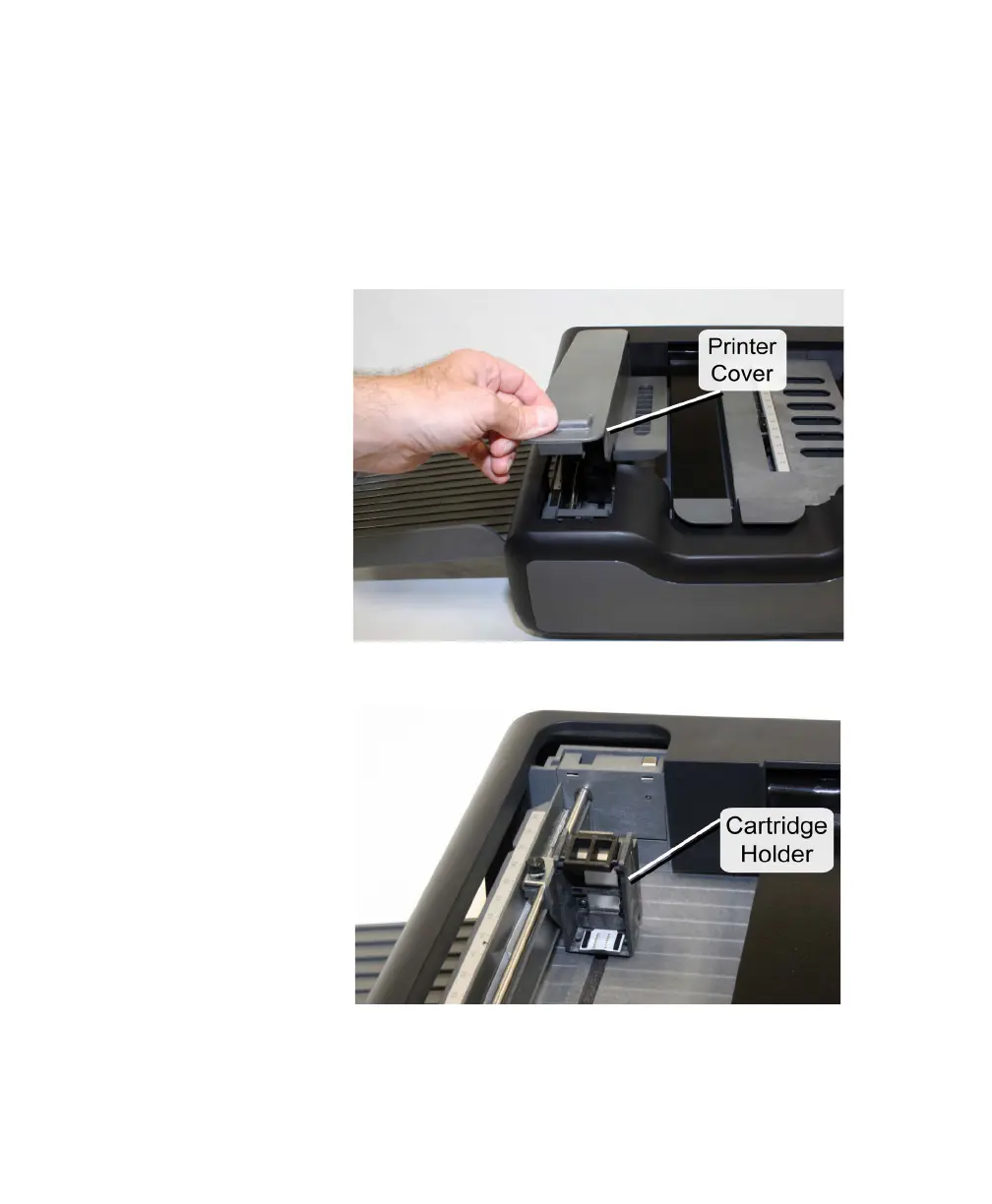
1. Unlatch and remove the printer cover.
2. Locate the cartridge holder(s).



 To Next Page