Chapter 5: Display Panel Messages
Display Panel Messages
Operator’s Guide 89
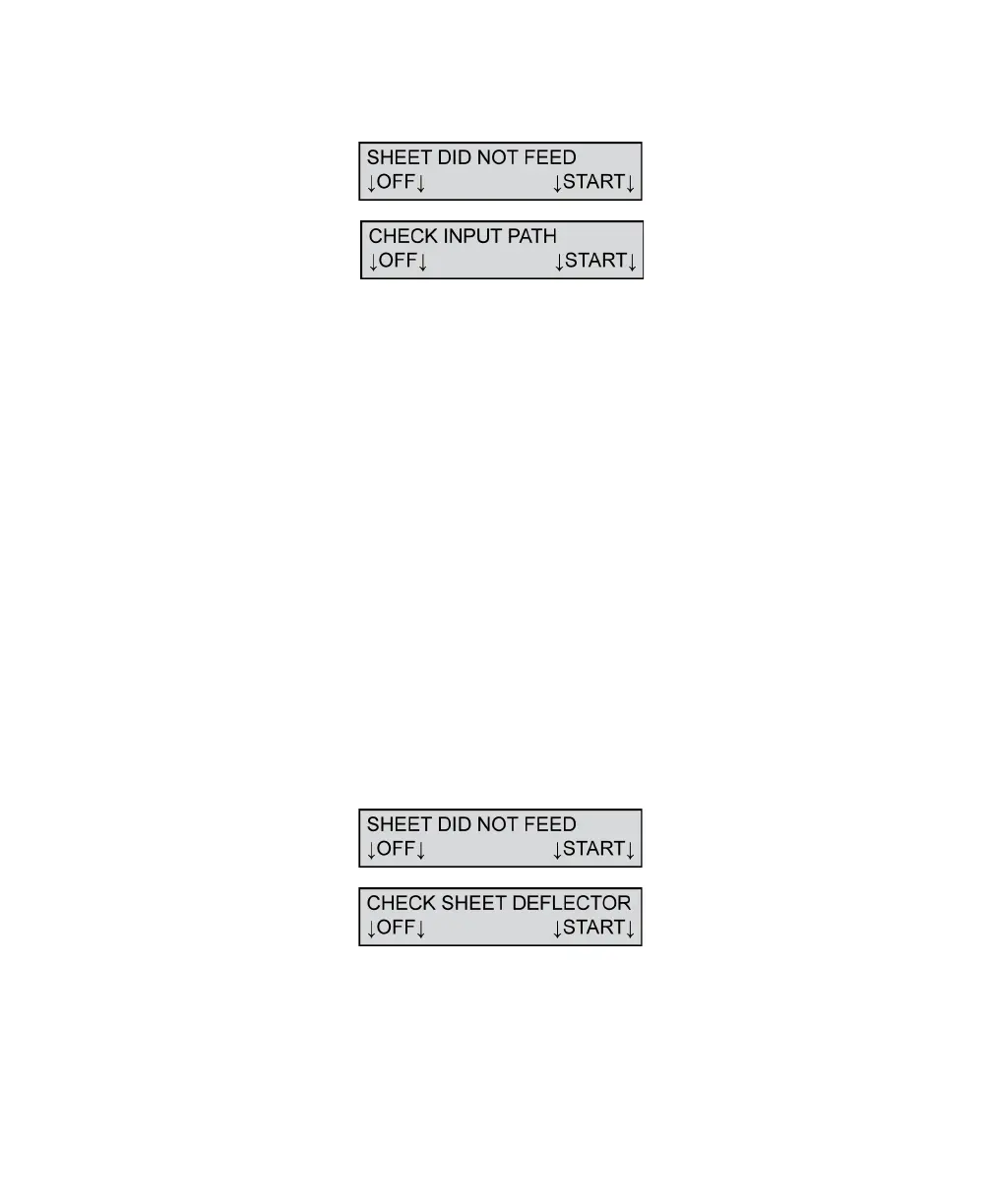
Sheet Did Not Feed/Check Input Path
This message appears when the read head cannot
detect a sheet in the transport bed within a specified
period of time. This is usually caused by the sheets in
the input tray not being pushed fully toward the read
head when loaded.
To resolve this condition:
1. Depress the Press To Load button and move the
sheets toward the read head.
2. Align the sheets with the edge of the input tray
that is closest to the front of the scanner (guide
edge).
3. Slide the paper guide so that it is just touching the
sheets.
Press START to resume scanning.
Press OFF to put the scanner into sleep mode.
Sheet Did Not Feed/Check Sheet Deflector
This message appears when the sheet deflector is not
completely closed. The sheet deflector must be
completely down for the scanner to properly sense
sheets.



 To Next Page