Chapter : Select Stacker
Testing the Select Stacker
Operator’s Guide 211
Te s t i n g t h e S e l e c t S t a c ke r
Once you have set up the Select Stacker, you can test
it to ensure that sheets are properly placed in either
the output stacker (top tray) or the select stacker
(bottom tray).
To test the Select Stacker, use the following procedure.
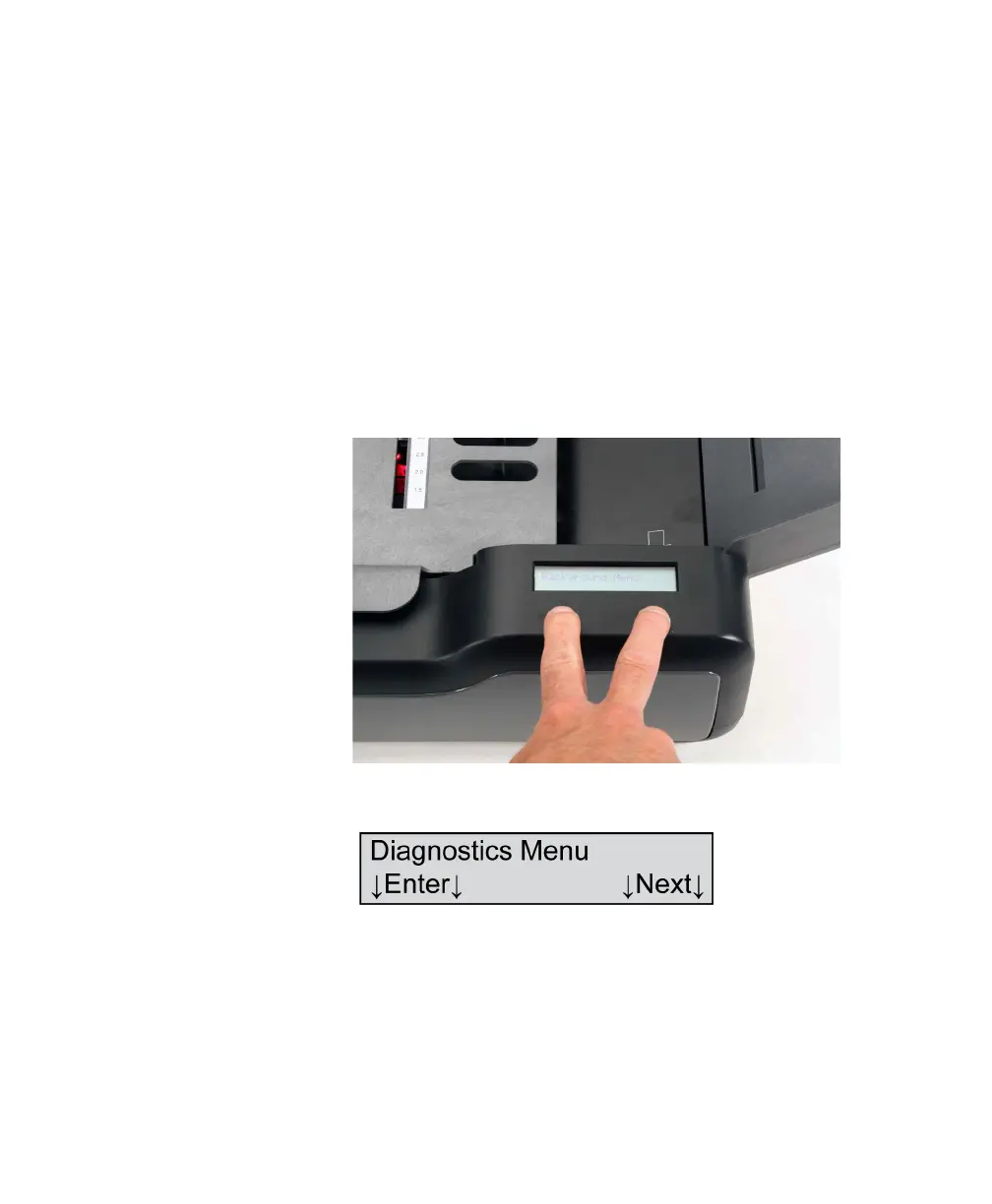
1. Hold down (at the same time) the left and right
buttons found under the display panel for about
five seconds to enter the background menu. When
the Background Menu message appears briefly,
release the buttons.
2. Press the Next button five times or until you reach
the following menu item.
3. Press Enter to enter the Diagnostics menu.



 To Next Page