Chapter : Select Stacker
Setting Up the Select Stacker
210
Scantron OpScan 4ES and iNSIGHT 4ES Scanners
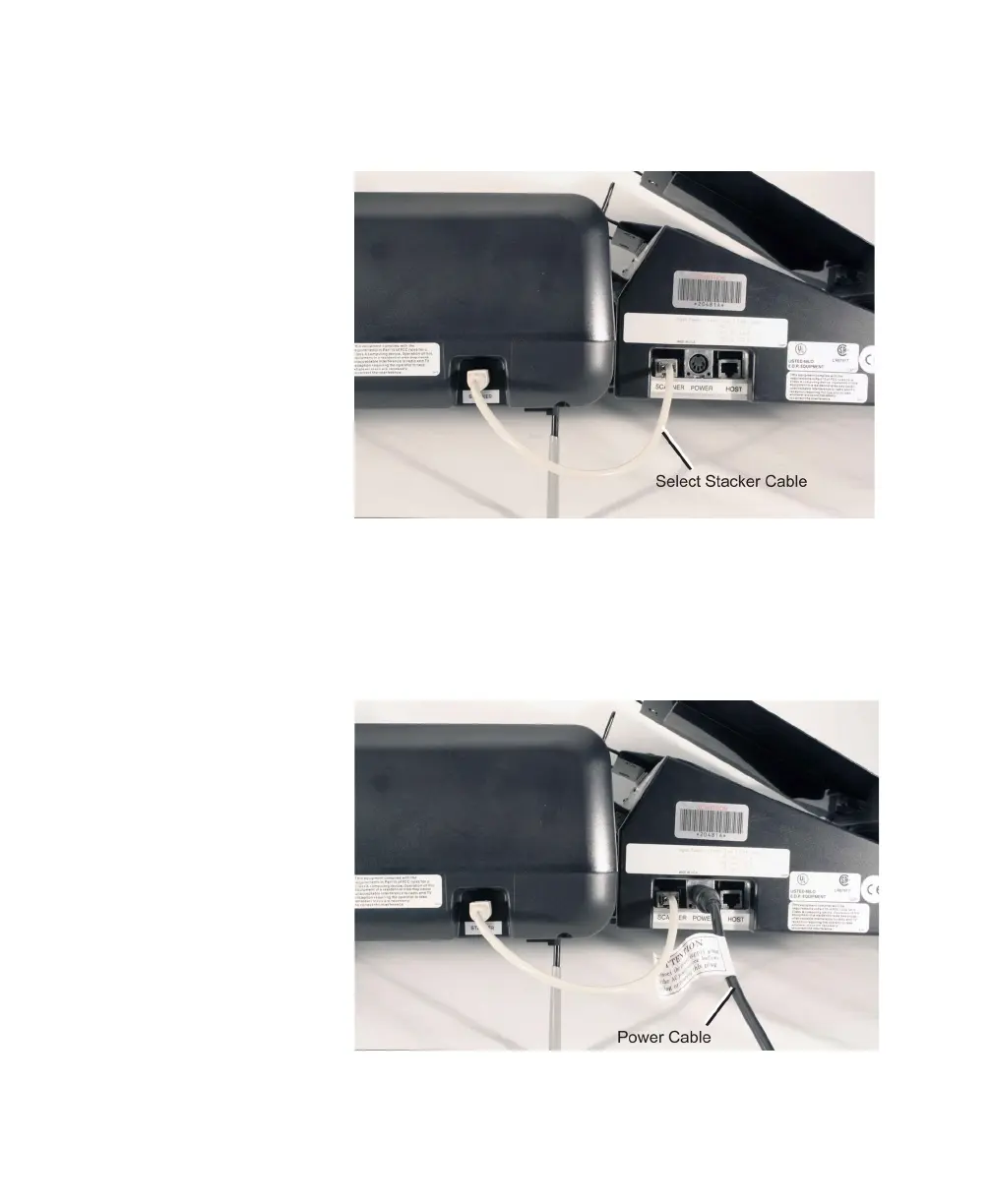
5. Connect the Select Stacker to the scanner using
the special cable as shown.
6. Plug in the Select Stacker by performing the
following. Connect the power cord to the power
strip. Connect the power supply to the power cord.
Finally, connect the power cable to the Select
Stacker as shown. It is acceptable to plug the
Select Stacker, the scanner, and the host computer
into the same power strip.



 To Next Page