Chapter 6: Using the Background Menu
Utilities Menu
120 Scantron OpScan 4ES and iNSIGHT 4ES Scanners
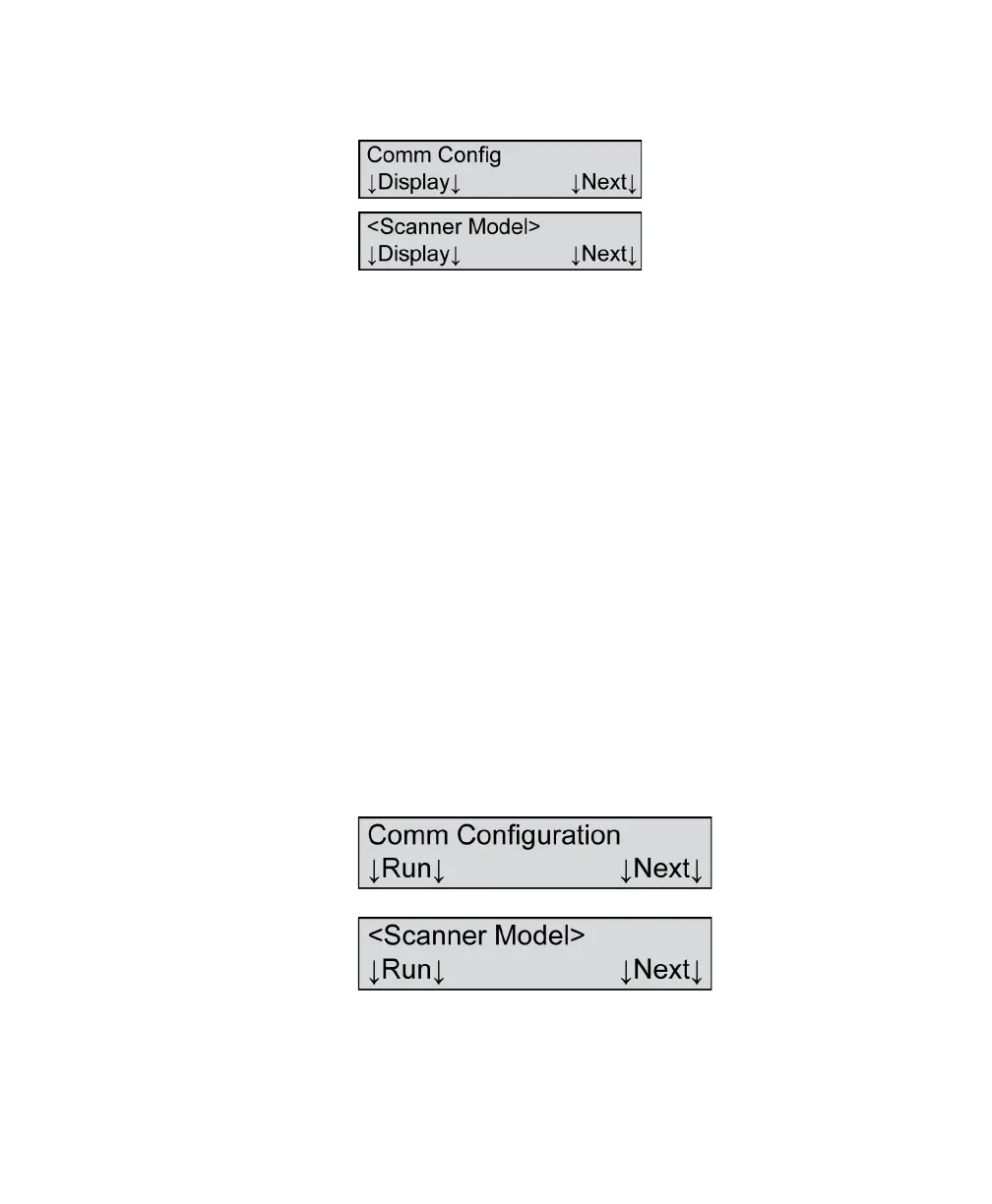
Comm Config - Display
Variables Where <Scanner Model>=
•OpScan 4ES
• iNSIGHT 4ES
Description This menu item allows you to display the
communications configuration.
Press Next to skip this function and advance to the
next menu item.
Press Display if you want the scanner to display each
of the communications parameters on the display
panel. There are a total of 35 parameters.
Press Show Next to show the next parameter.
Press Next at any time to abort the function and
advance to the next menu item.
Comm Configuration (When in ES/ScanMark
Mode)
Variables Where <Scanner Model>=
• ES/ScanMark



 To Next Page