Chapter : Select Stacker
Cleaning the Select Stacker
Operator’s Guide 217
Procedure
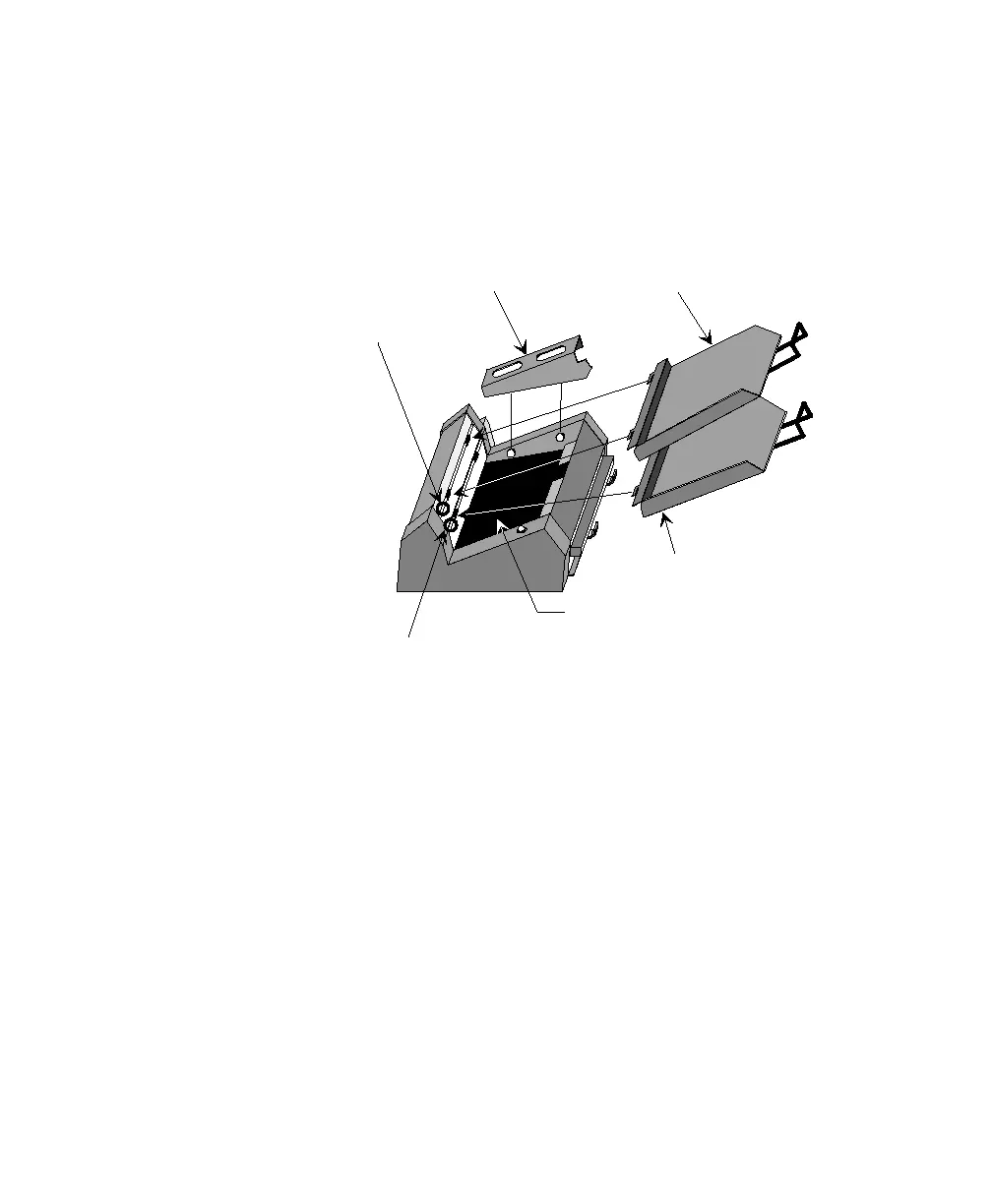
The illustration below shows the location of key
components. To clean the select stacker, follow the
steps that follow.
1. Clean the output and select stacker sensors.
• Spray canned air directly on the output stacker
sensor.
• Spray canned air directly on the select stacker sen-
sor.
2. Clean the select stacker bed.
• Remove the output stacker and select stacker trays.
• Lift the sheet deflector up and off the two knob
hangers. Set the sheet deflector aside.
Output Stacker Tray
Select Stacker Tray
Sheet Deflector
Select Stacker Bed Area
Output Stacker
Sensor
Select Stacker Sensor



 To Next Page