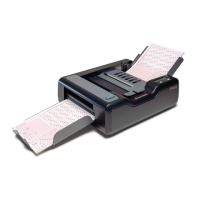
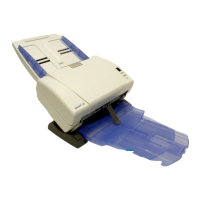
Chapter : Select Stacker
Cleaning the Select Stacker
218
Scantron OpScan 4ES and iNSIGHT 4ES Scanners
• Spray canned air directly on the select stacker bed
area. This removes any dust and other types of
debris.
3. Clean the output stacker and select stacker trays
using a lint-free cloth to remove any dust and
other types of debris from the trays.
4. Once cleaning is completed, replace the sheet
deflector, the output and select stacker trays, and
(if necessary) reconnect the Select Stacker to the
scanner.


 To Next Page