Chapter 2: Setting Up Your Scanner
Connecting the Scanner
Operator’s Guide 25
Connecting the Scanner
This section describes how to connect the power
supply and computer to your scanner.
IMPORTANT: Before connecting the scanner to the
computer and turning it on, be sure to install the
drivers and scanner utilities on the host computer
as described in the previous section.
Connecting the Power Supply
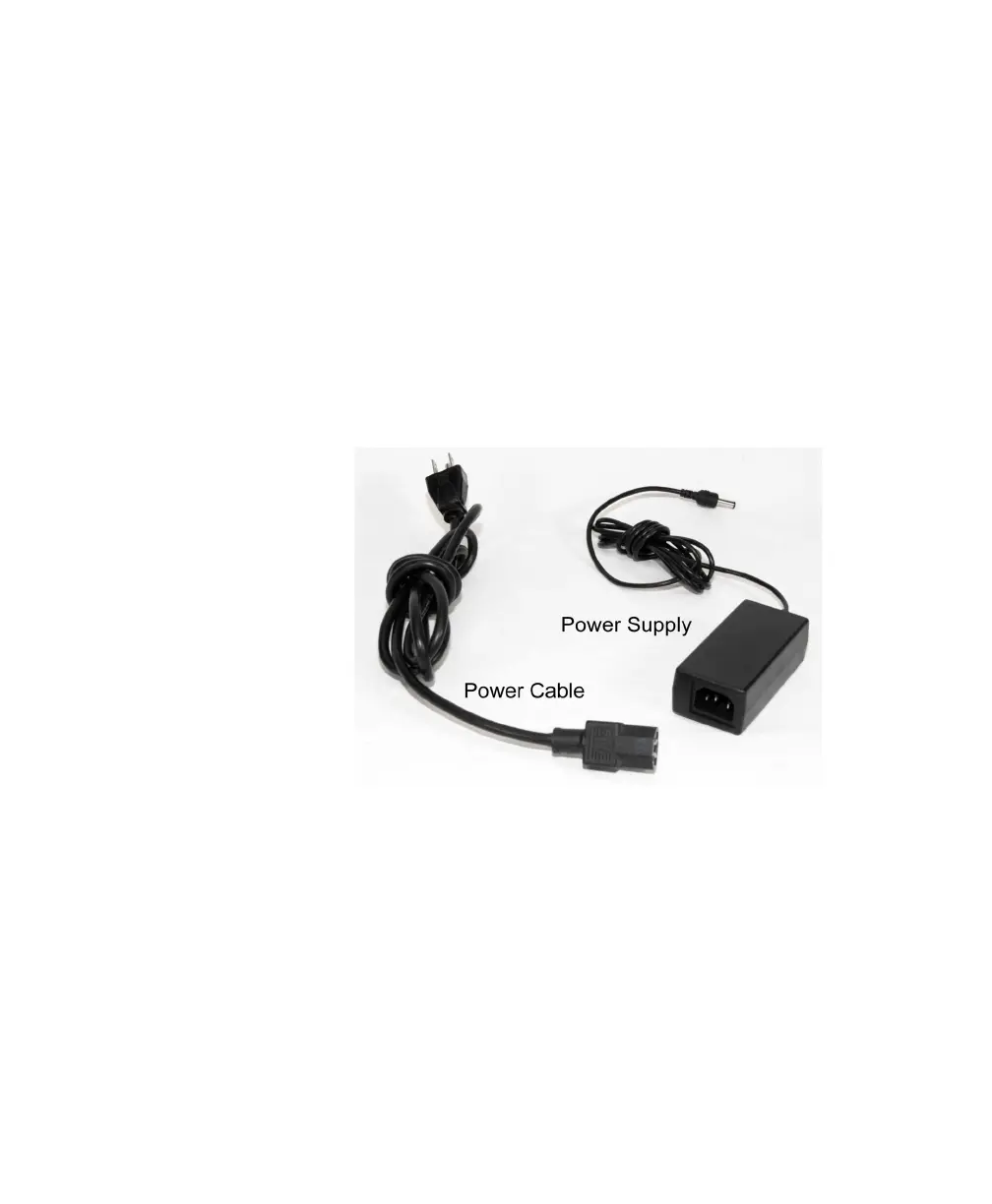
1. Find the power cable and the power supply that
came with your scanner.
2. Plug the end of the power cable (three-prong
plug) into a properly grounded electrical outlet
providing alternating current (AC).
CAUTION: If lightning damage is a possibility, use
a power strip with surge protection.
CAUTION: Do not connect the scanner to an outlet
that also serves another major piece of equip-
ment other than the computer and the
(optional) Select Stacker.



 To Next Page