Chapter : Transport Printer
Cleaning the Cartridge Holder
184
Scantron OpScan 4ES and iNSIGHT 4ES Scanners
Cleaning the Cartridge Holder
If ink leaks from the cartridge, it may be necessary to
clean the cartridge holder.
NOTE: Perform this procedure only if you are
experiencing problems. You can damage the
electrical contacts in the cartridge holder if you
clean them too frequently.
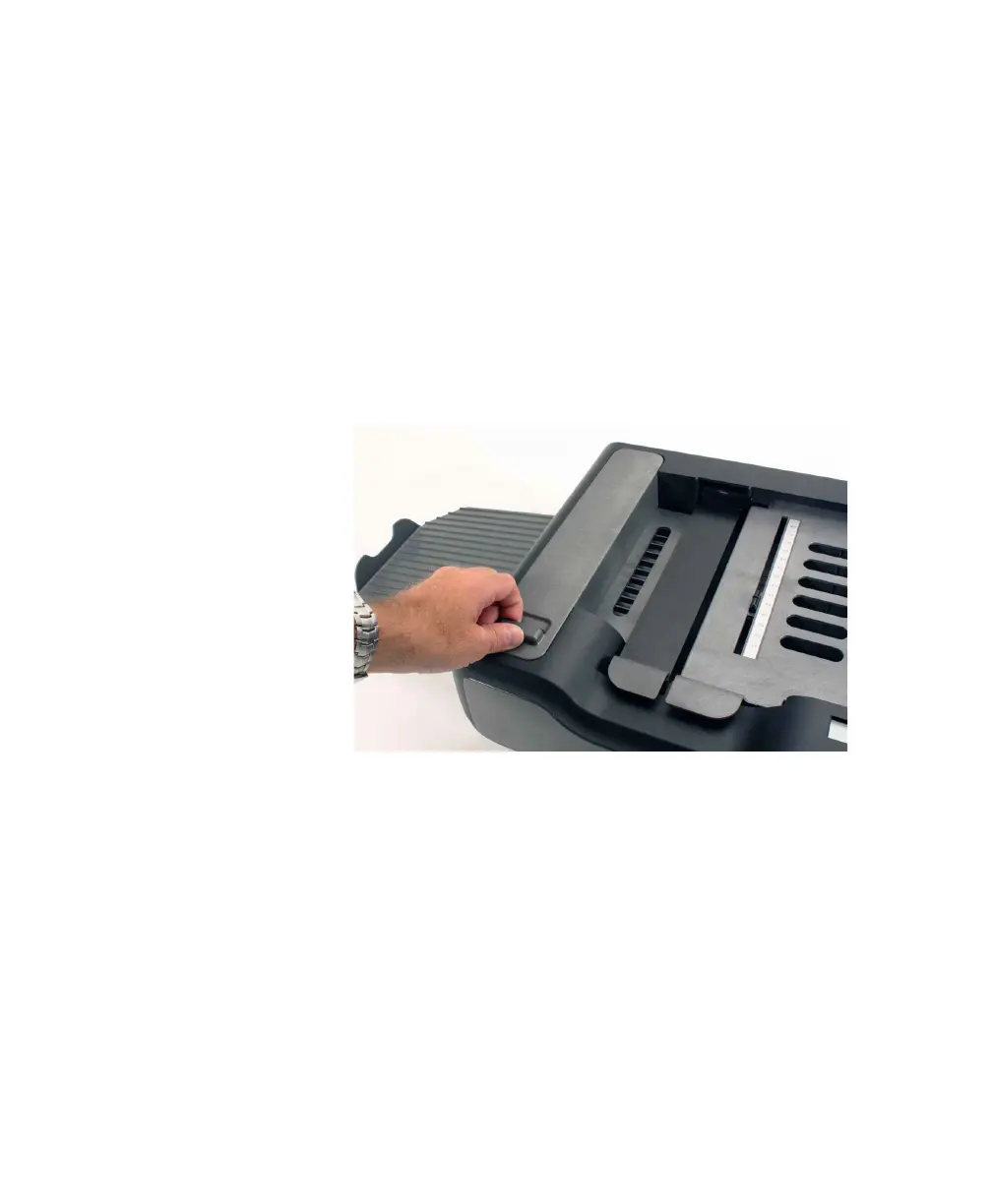
To clean the cartridge holder:
1. Unlatch the printer cover and remove it.
2. Remove the cartridge by holding the printer
cartridge tab and pivoting the used cartridge out
of the cartridge holder.



 To Next Page