Chapter : Bar Code Reader
Scanning Bar Codes
196 Scantron OpScan 4ES and iNSIGHT 4ES Scanners
Scanning Bar Codes
The procedure for using the bar code reader is not
very different from normal scanning. If you understand
the basic scanning process outlined in Chapter 3,
“Operating Your Scanner”, you’ll have no trouble
collecting bar code data.
To read bar codes on sheets, use the following
procedure:
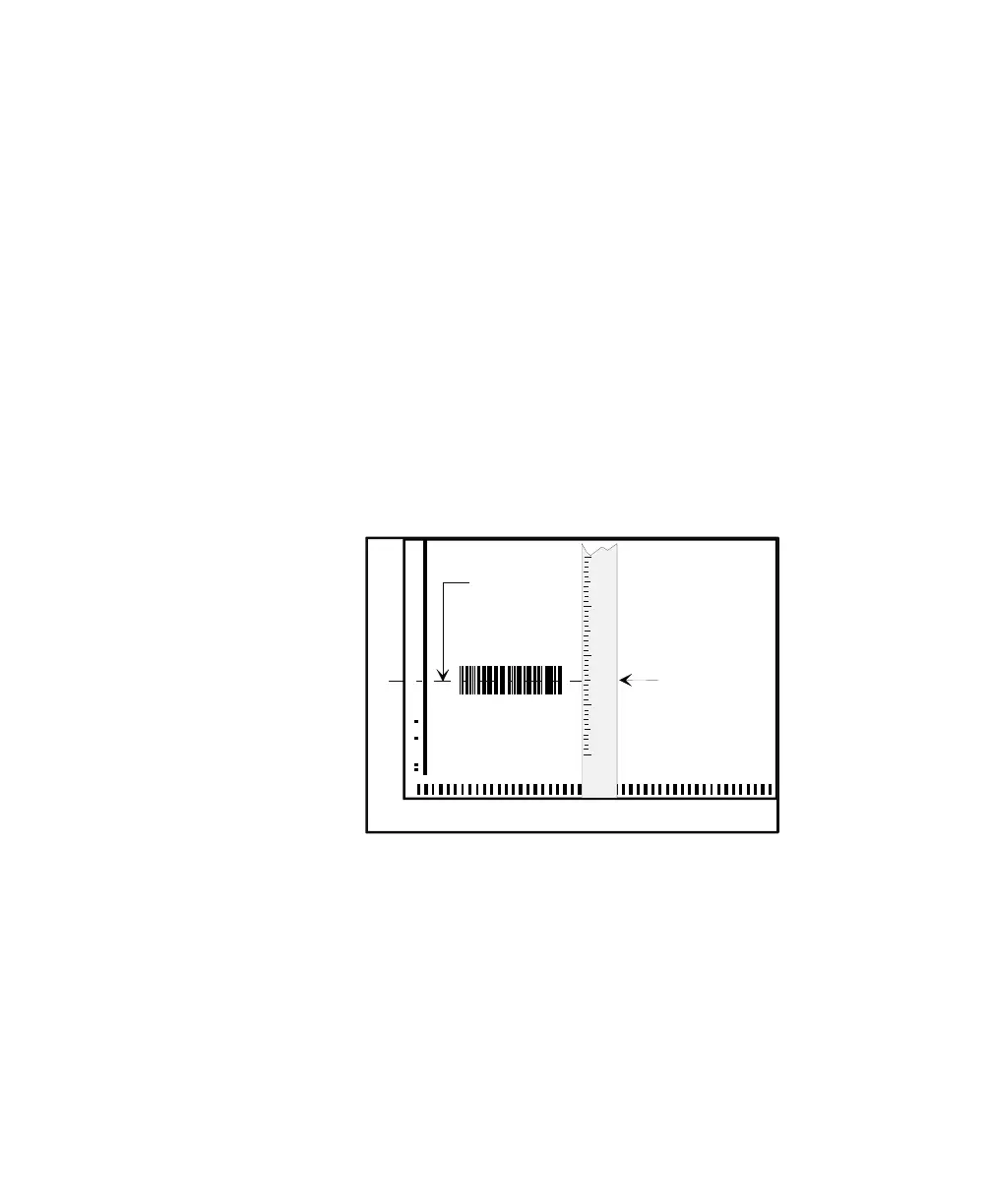
1. Determine the location of the bar codes on the
material you are scanning.
• The sheet may be imprinted with an indicator
number (the distance from the guide edge of the
sheet to the center of the bar code). If it is, you can
simply use that number.
• If you do not find an indicator number, use a ruler
with marks for tenths of an inch to measure the
distance from the guide (left) edge of the sheet to
the center of the bar code. Measure to the nearest
tenth of an inch.
NOTE: The ruler measurement is the indicator
number. (For example, if the measurement is
3.5 inches, the indicator number is 3.5.)
Guide Edge
Center
of
Bar Code
Indicator
Number
6.0
5.5
5.0
4.5
4.0
3.5
3.0
2.5
2.0



 To Next Page