Chapter : Bar Code Reader
Troubleshooting
Operator’s Guide 199
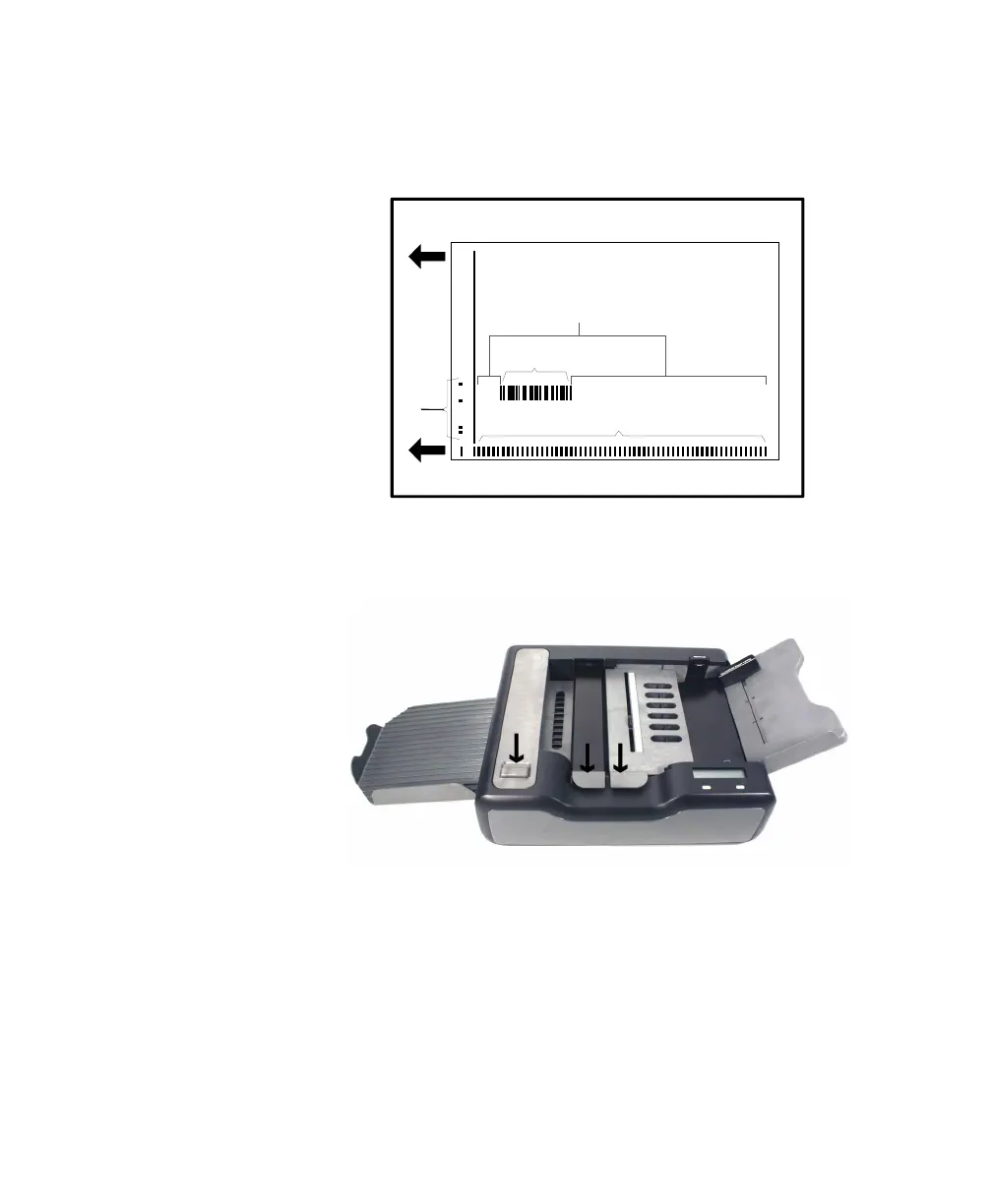
3. Check the scan path on the sheet. Make sure that
there are no stray marks, black marks or printing in
the scan path that leads to or from the bar code.
4. Make certain that the read head, printer (optional),
and bar code reader covers are down and tightly
closed.
5. Examine the bar code on the sheet you are trying
to scan. Make sure that:
• The bar code does not have any worn spots.
• The bar code appears to be printed correctly on
the sheet.
• The ink on the bar code is dark and consistent
across the code.
L
e
a
d
i
n
g
E
d
g
e
Guide Edge
Timing Marks
F
o
r
m
I
D
M
a
r
k
s
Bar Code
Scan Path



 To Next Page