Chapter 6: Using the Background Menu
Diagnostics Menu
Operator’s Guide 131
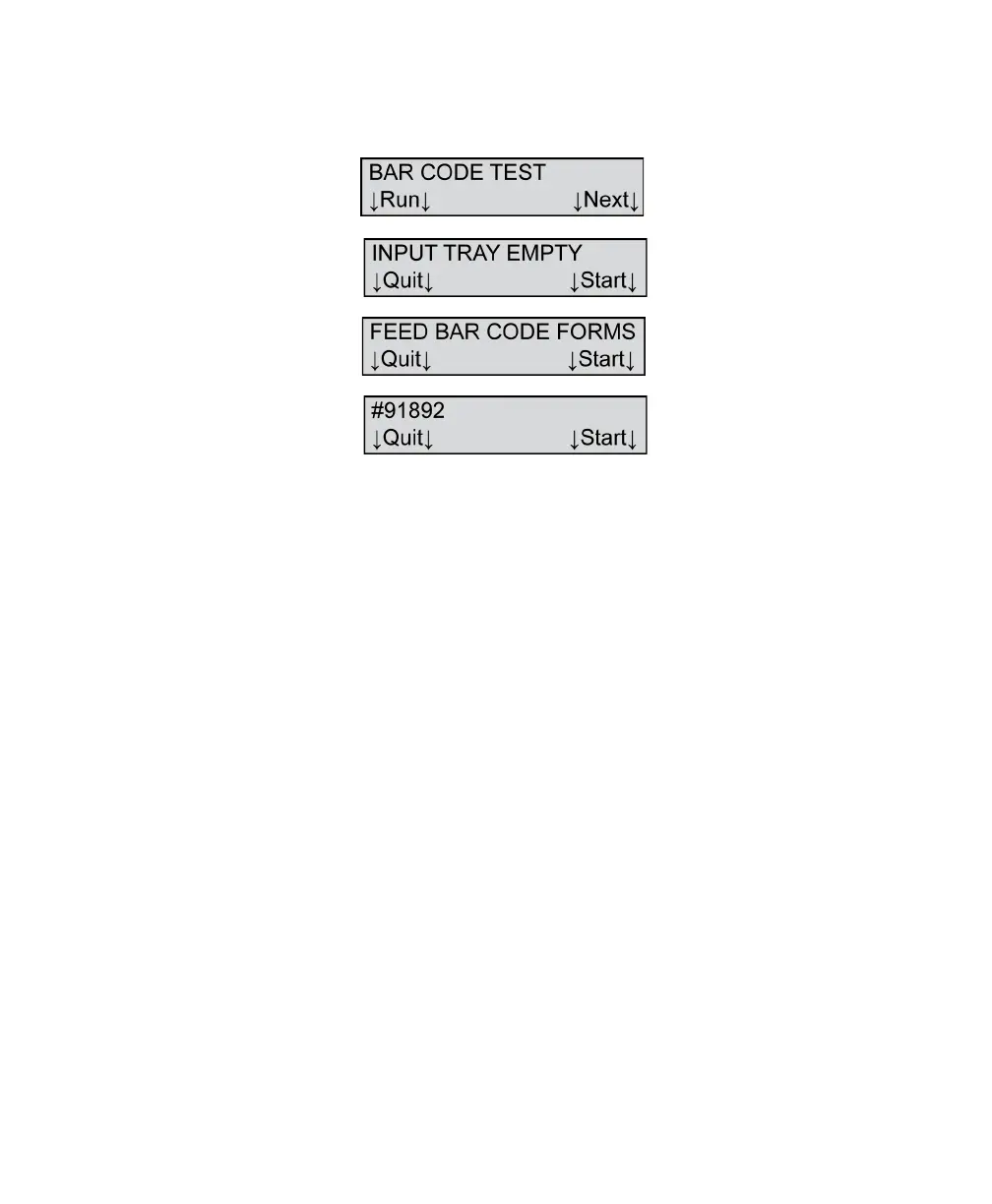
Press Run if you want to run the test. The following
menu items appear.
Load a stack of five Bar Code Diagnostic Forms
#91892 (part # 202-167-144) into the input tray. Once
the forms are loaded the Start prompt appears.
Set the bar code reader to the position that you want
to test. Notice that there are lines of bar code labels at
positions 25, 30, 53, 62, 67, 75, and 80.
For a recommended test procedure and details on
how to interpret the test, see “Testing the Bar Code
Reader” on page 201.
Press Start to perform the test. If all the bar code
labels are read successfully, there is no change to the
menu items.
Press Next to abort the test or if you have completed
the test and wish to advance to the next menu item.



 To Next Page