Chapter 6: Using the Background Menu
Diagnostics Menu
Operator’s Guide 129
Place a stack of five, Scantron Reflective Calibration
Sheets (part number 202-171-989) into the input tray
so that the words “Scantron Reflective” are on top and
enter the scanner first.
Press QUIT to abort the test. Press START to perform
the test. The scanner scans the sheets. If the scanner
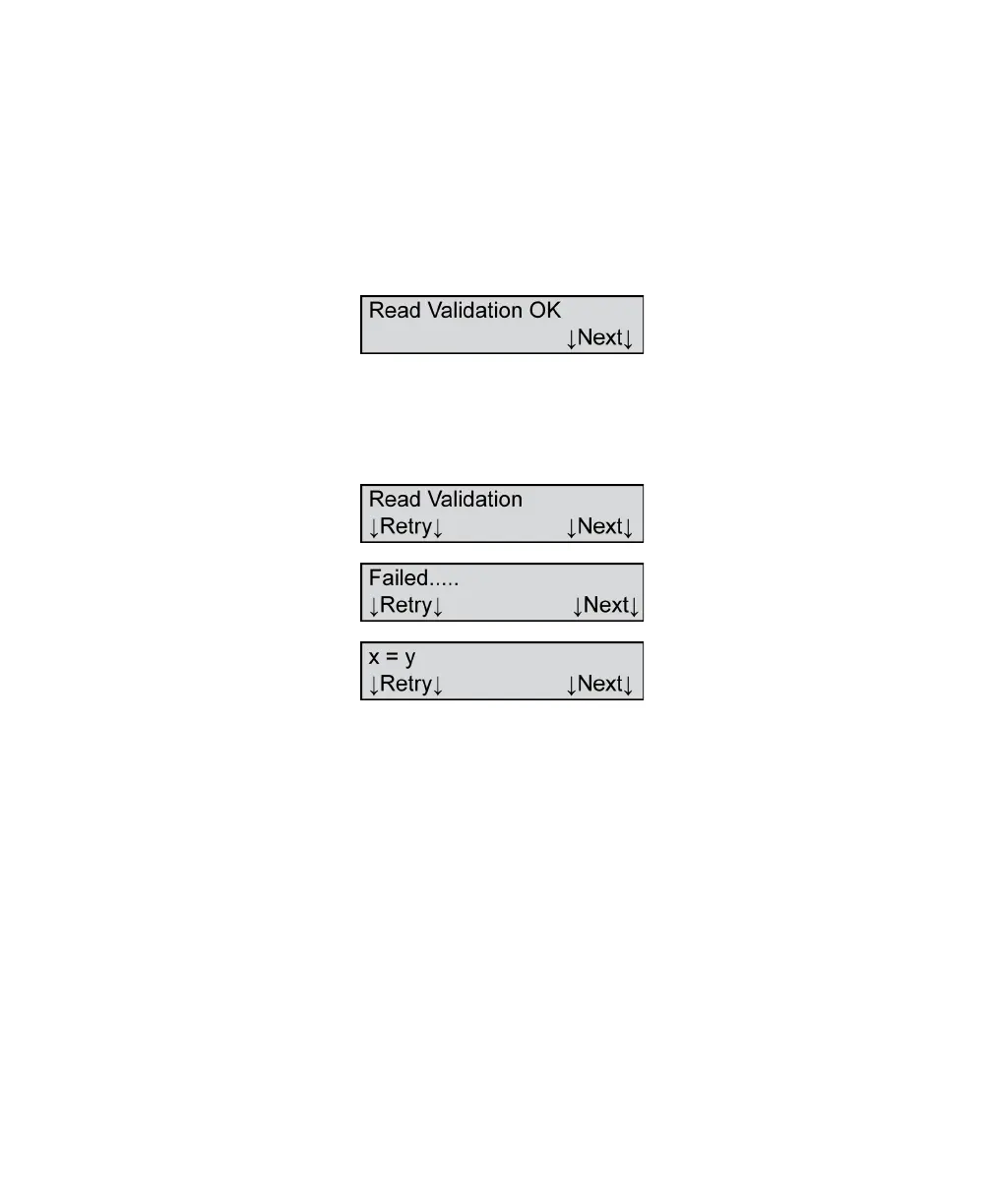
passes the test, the following menu item appears.
Press Next to advance to the next menu item.
If the scanner fails the test, the following three menu
items appear.
Where x =
•Paper
•Light Mark
•Dark Mark
and y = hex value (0-9 and A-F)
If the scanner fails the test, first ensure that the
calibration sheets are not dirty or damaged. If they are
not, clean the scanner read head, then retest by
pressing Retry. If the scanner still fails the test after
these measures, contact Scantron Customer Support
as described in “Product Support and Services” on
page 157.



 To Next Page