EasyManua.ls Logo

Scantron OpScan 4ES - Page 137

Scantron OpScan 4ES
242 pages
Print Icon
To Next Page IconTo Next Page
To Previous Page IconTo Previous Page
Loading...
Chapter 6: Using the Background Menu
Utilities Menu
Operator’s Guide 117
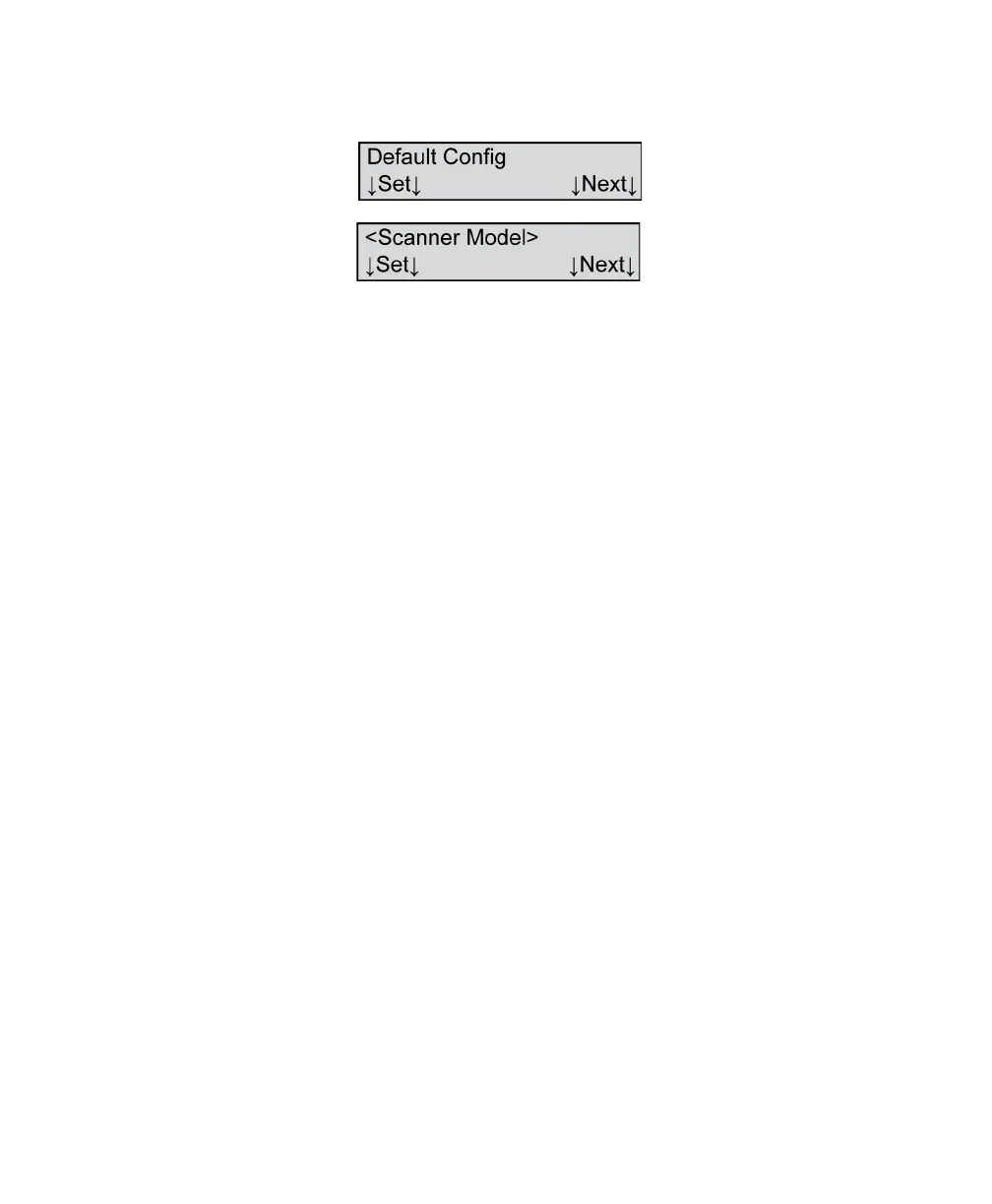
Default Config - Set
Variables Where <Scanner Model>=
•OpScan 4ES
• iNSIGHT 4ES
Shown For All models, all modes except ES/ScanMark
Description This menu item allows you to set the communications
parameters to the factory default. The factory default
configuration is:
•Start Record 1 = FF
•Start Record 2 = FF
•Start Record 3 = FF
•Start Record 4 = FF
•Start Record 5 = FF
•Start Record 6 = FF
•End Record 1 = 0D
•End Record 2 = 0A
• End Record 3 = FF
•End Record 4 = FF
•End Record 5 = FF
•End Record 6 = FF
• End Document = FF
• Compress = 15
• Record Length = FFFF
•Check Char = FF
•Initiate From = CPU

Table of Contents