Chapter 6: Using the Background Menu
Utilities Menu
122 Scantron OpScan 4ES and iNSIGHT 4ES Scanners
• Threshold: 42 (pencil), 30 (ink)
• Difference: 57 (pencil), 69 (ink)
NOTE: Because the scanner uses a virtual serial port
connected through a USB port, baud rate, word
length, stop bits, parity, and clear-to-send
parameters no longer need to be set.
Press Next to advance to the next menu item.
Press Set to set the communications parameters to
the default configuration shown above. A Comm
Config Complete message will display. Press Next to
complete communications configuration and to exit
the Comm Configuration submenu.
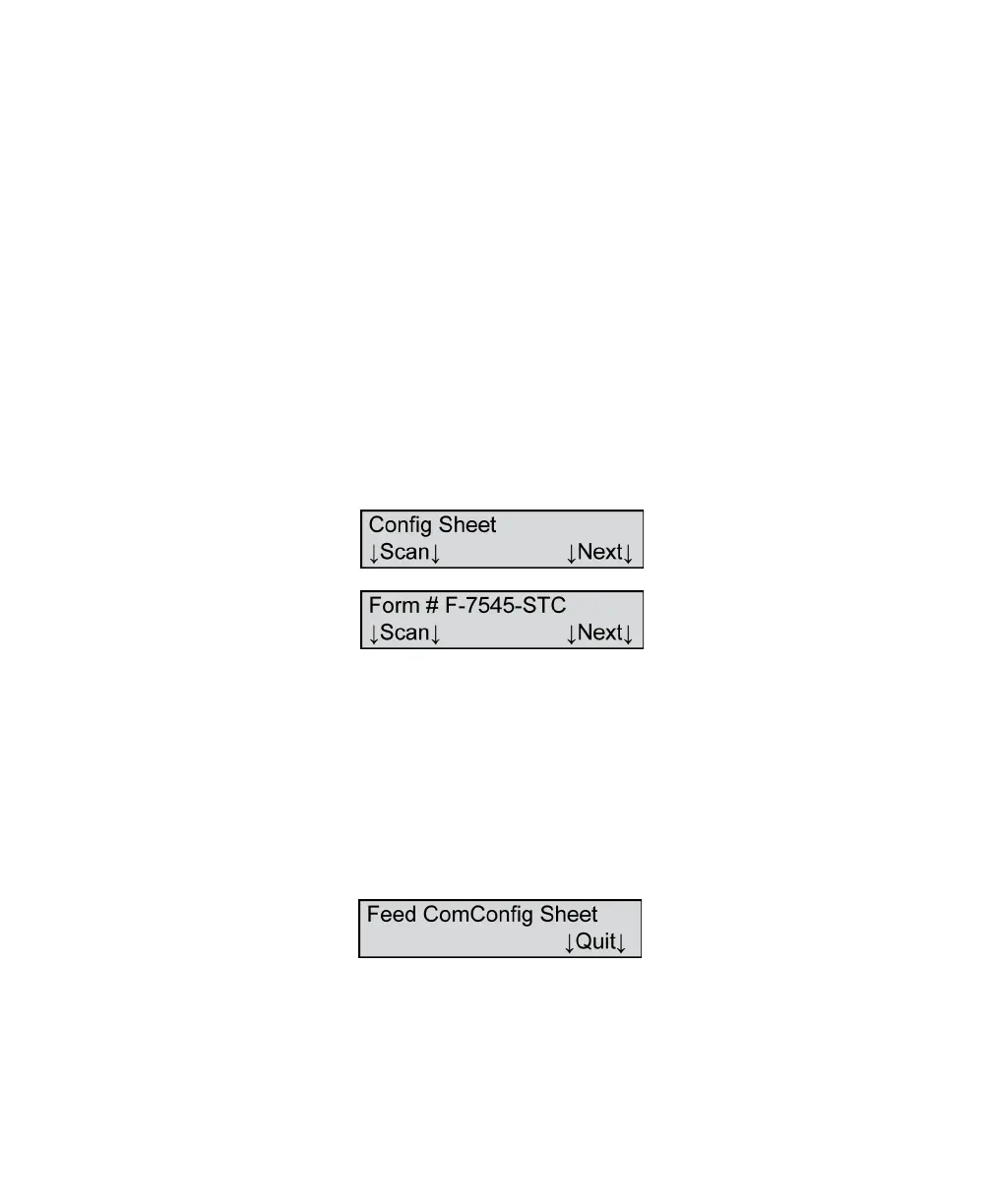
Config Sheet - Scan
This menu item in the Comm Configuration submenu
allows you to scan a completed ScanMark
Configuration Sheet (form number F-7545-STC).
Press Next to skip this functions and to advance to the
next menu item.
Press Scan to scan a configuration sheet. The
following menu item appears.
Feed the Scantron Configuration Sheet by simply
placing it in the input tray. It will automatically scan. A
Comm Config Complete message will display. Press



 To Next Page