Chapter : Bar Code Reader
Testing the Bar Code Reader
Operator’s Guide 203
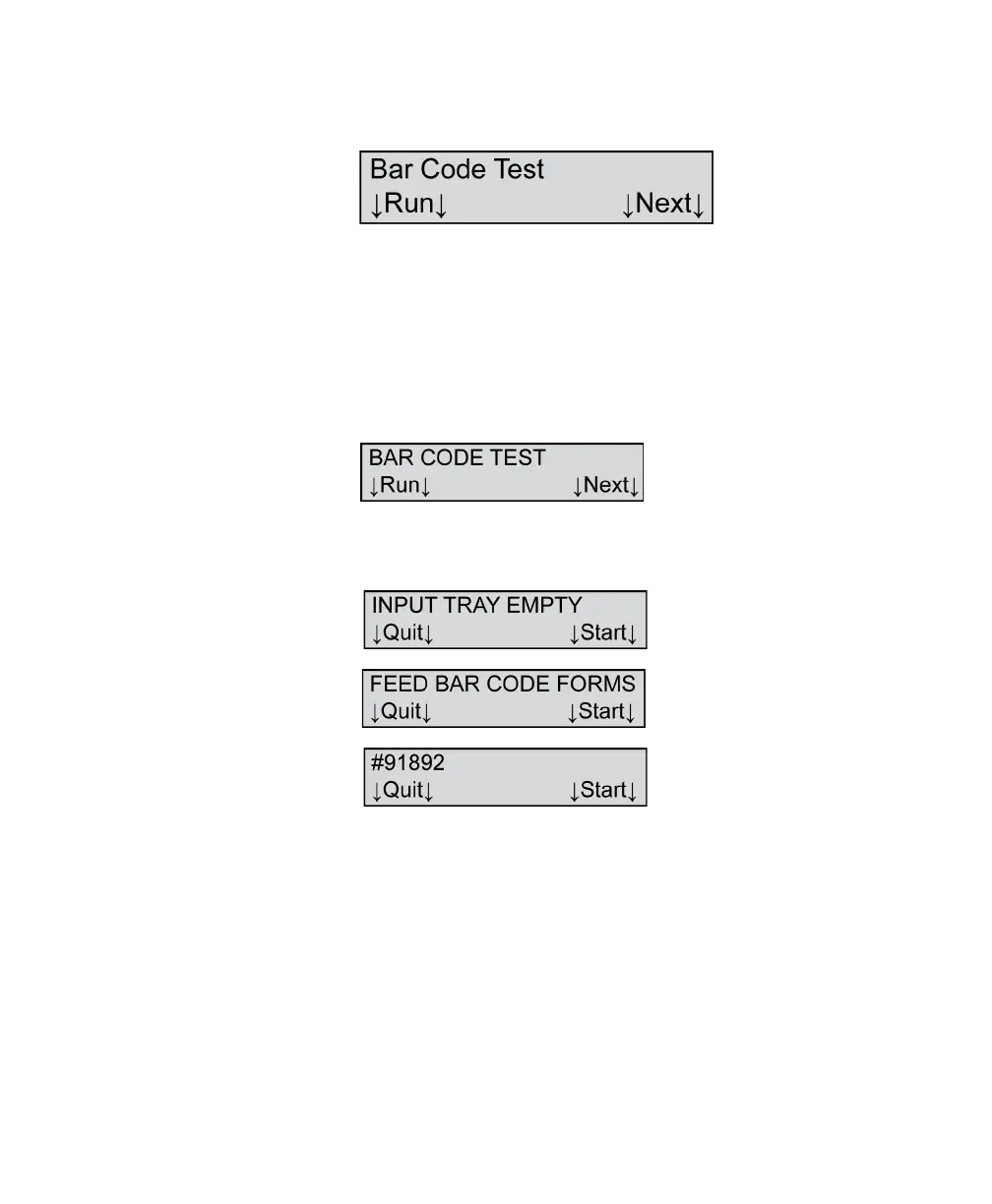
6. Press Next three times or until you see the
following menu item.
7. Press Run to run the bar code test.
The bar code reader is reading correctly as long as
the sheets continue to feed through the scanner.
If all sheets are read successfully, the bar code
reader has passed the test and the following
messages appear:
If the input tray is empty, the following three
messages appear:
Reposition the sensor and press Start to run
another test, or press Quit to end the test.



 To Next Page