Chapter 2: Setting Up Your Scanner
Assembling the Scanner
20 Scantron OpScan 4ES and iNSIGHT 4ES Scanners
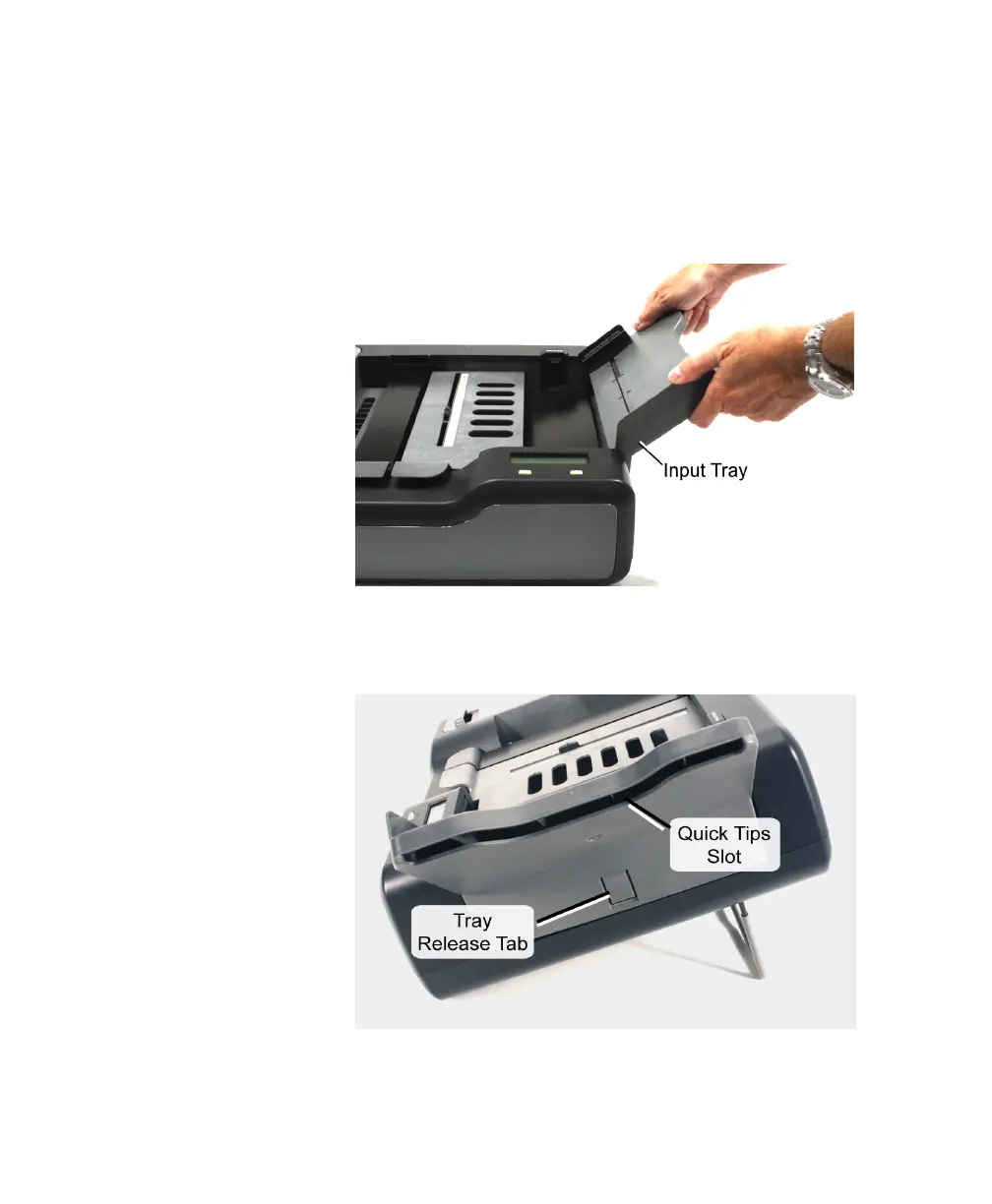
3. Install the input tray. Slide the end of the tray that
has two prong-like tabs into the slots at the end of
the scanner.
NOTE: When removing the tray from the scanner,
depress the tray release tab.
4. Insert the Quick Tips guides (shipped with your
scanner) into the slot on the underside of the input
tray. This helps prevent loss of the instructions.
5. Install the output tray (or the Select Stacker (see
Appendix D then continue with the next step



 To Next Page