J-Link / J-Trace (UM08001) © 2004-2017 SEGGER Microcontroller GmbH & Co. KG
335
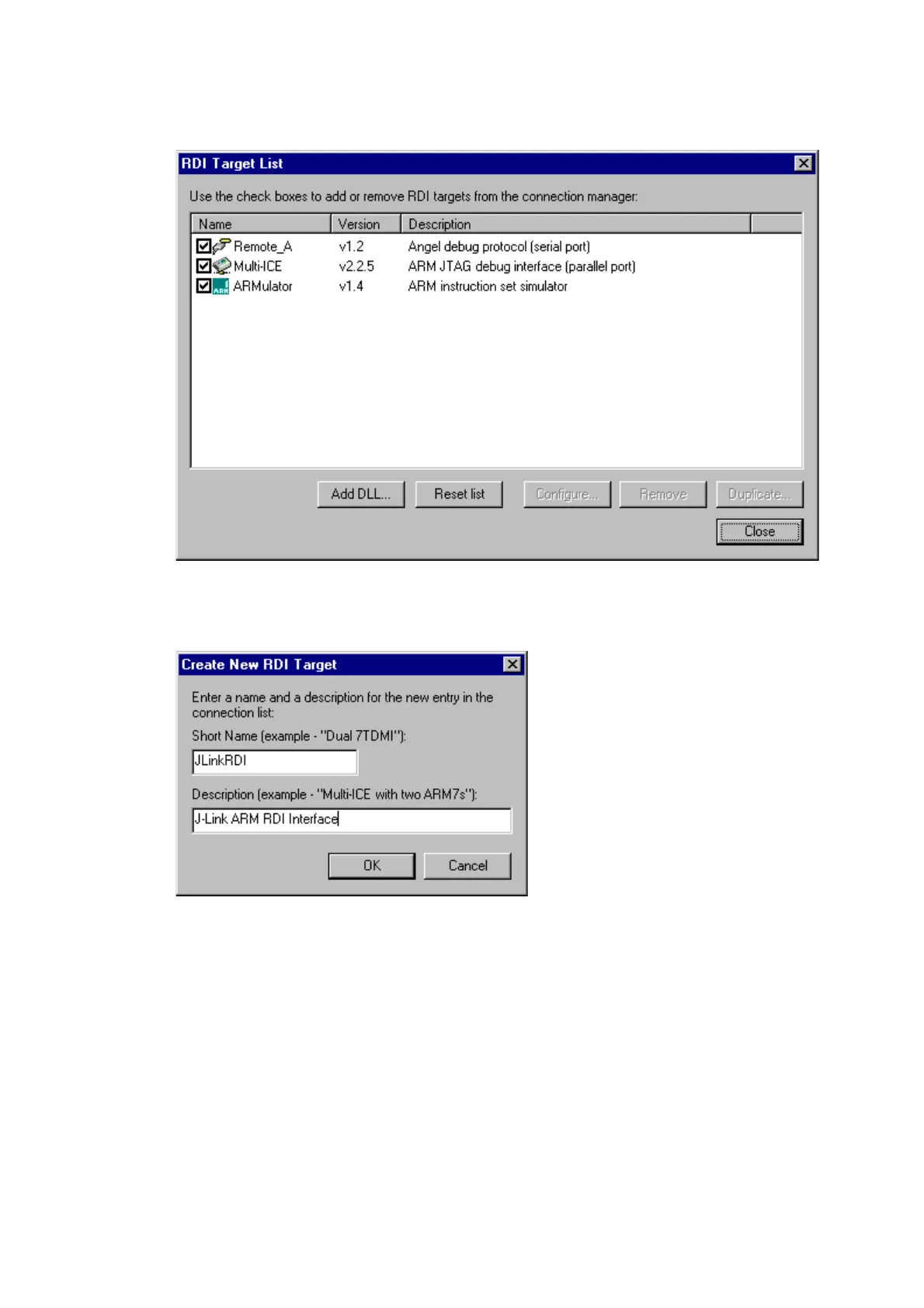
4. Now select Add DLL to add the JLinkRDI.dll. Select the installation path of the
software, for example:
C:\Program Files\SEGGER\JLinkARM_V350g\JLinkRDI.dll
5. After adding the DLL, an additional Dialog opens and asks for description: (These
values are voluntary, if you do not want change them, just click
OK) Use the fol-
lowing values and click on
OK, Short Name: JLinkRDI Description: J-Link
RDI Interface
.
6. Back in the
RDI Target List Dialog, select JLink-RDI and click Configure. For
more information about the generic setup of J-Link RDI, please refer to
Configu-
ration
on page 344.



 To Next Page