336 CHAPTER 12 RDI
J-Link / J-Trace (UM08001) ©
2004-2017 SEGGER Microcontroller GmbH & Co. KG
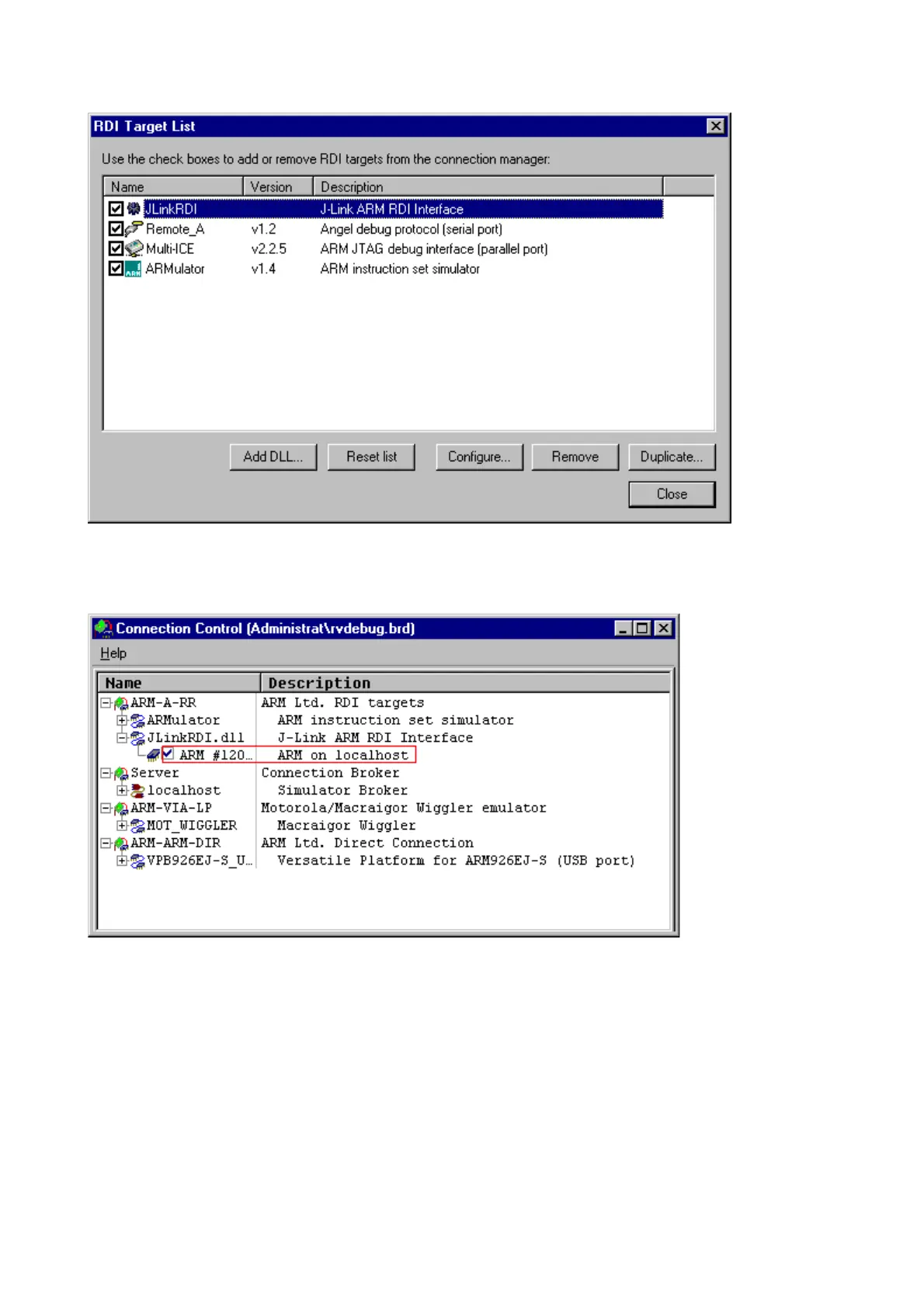
7. Click the OK button in the configuration dialog. Now close the RDI Target List
dialog. Make sure your target hardware is already connected to J-Link.
8. In the
Connection control dialog, expand the JLink ARM RDI Interface and
select the ARM_0 Processor. Close the
Connection Control Window.



 To Next Page