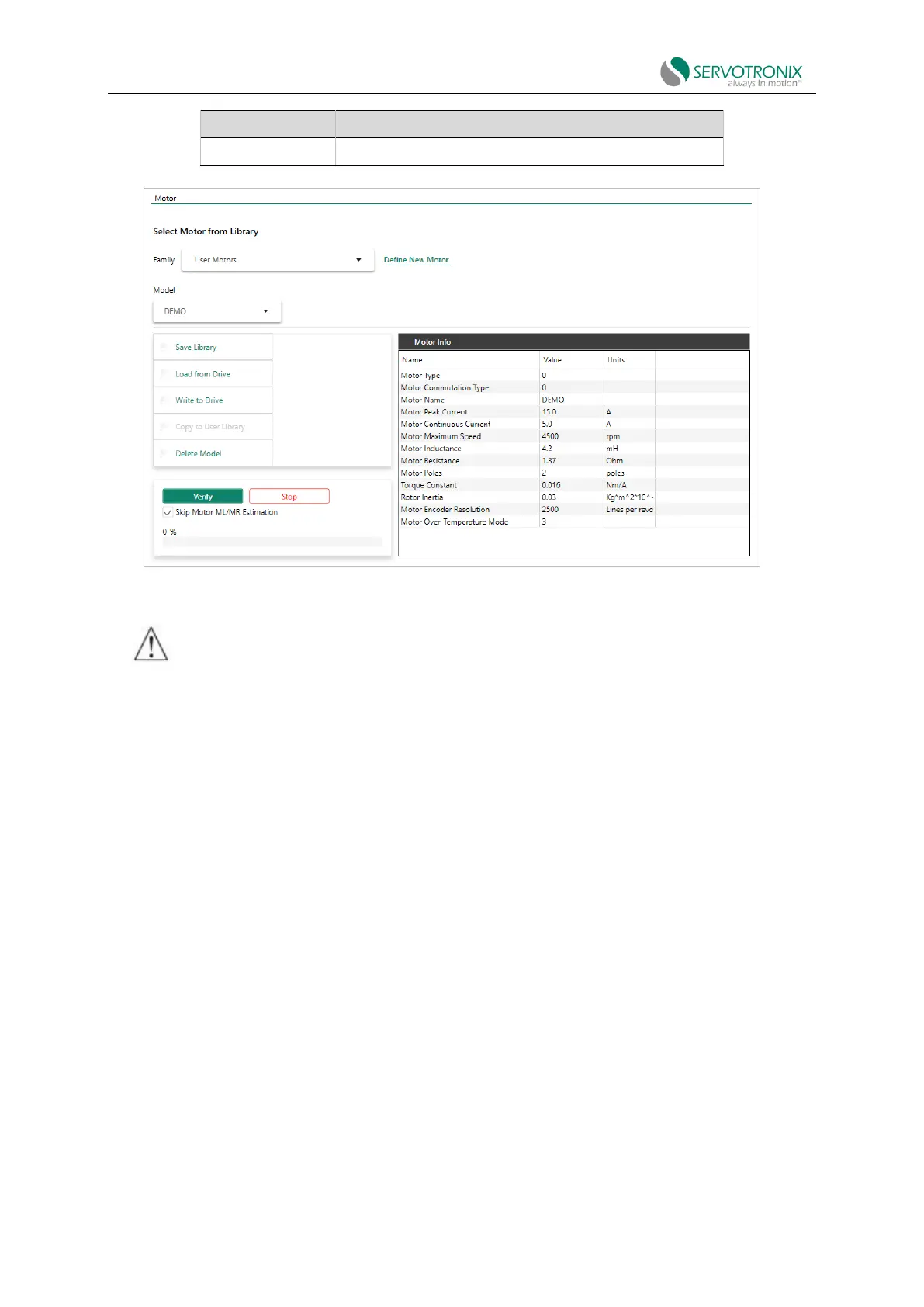
Complete the program according to the location activated by the New Motor wizard.
⚫ If the New Motor wizard is activated from the Motor screen, click these buttons in the
following order:
a. Save library, to save the motor parameter set to the "User Motor" library.
b. Write to the drive, to send parameters to the drive.
c. Verify, to test motor configuration.
d. Wait for the message "Motor Setup Successfully" to appear.
⚫ If you have activated the "New Motor" wizard from the "Motor Setup" wizard, click Verify
to send the parameters to the drive
and test the motor configuration. Wait for the message "Motor Setup Successfully" (failing to
save the motor to "User Motor" library
.



 To Next Page