Motor velocity limit during calibration
During the calibration procedure, the motor velocity should not exceed the following values:
Resolver:
Calibrating resolver and sine encoder
Procedure: Calibrate resolver using terminal
1. In the terminal interface, enter the sine/cosine calibration command:
SININIT<Enter>
2. According to your application operation mode, enter a command to run the motor at low
speed (e.g., about 800rpm) for about 10 seconds.
3. Enter the sine/cosine calibration status command:
SININITST<Enter>
4. Wait for SININITST to change to 1, then return to 0.
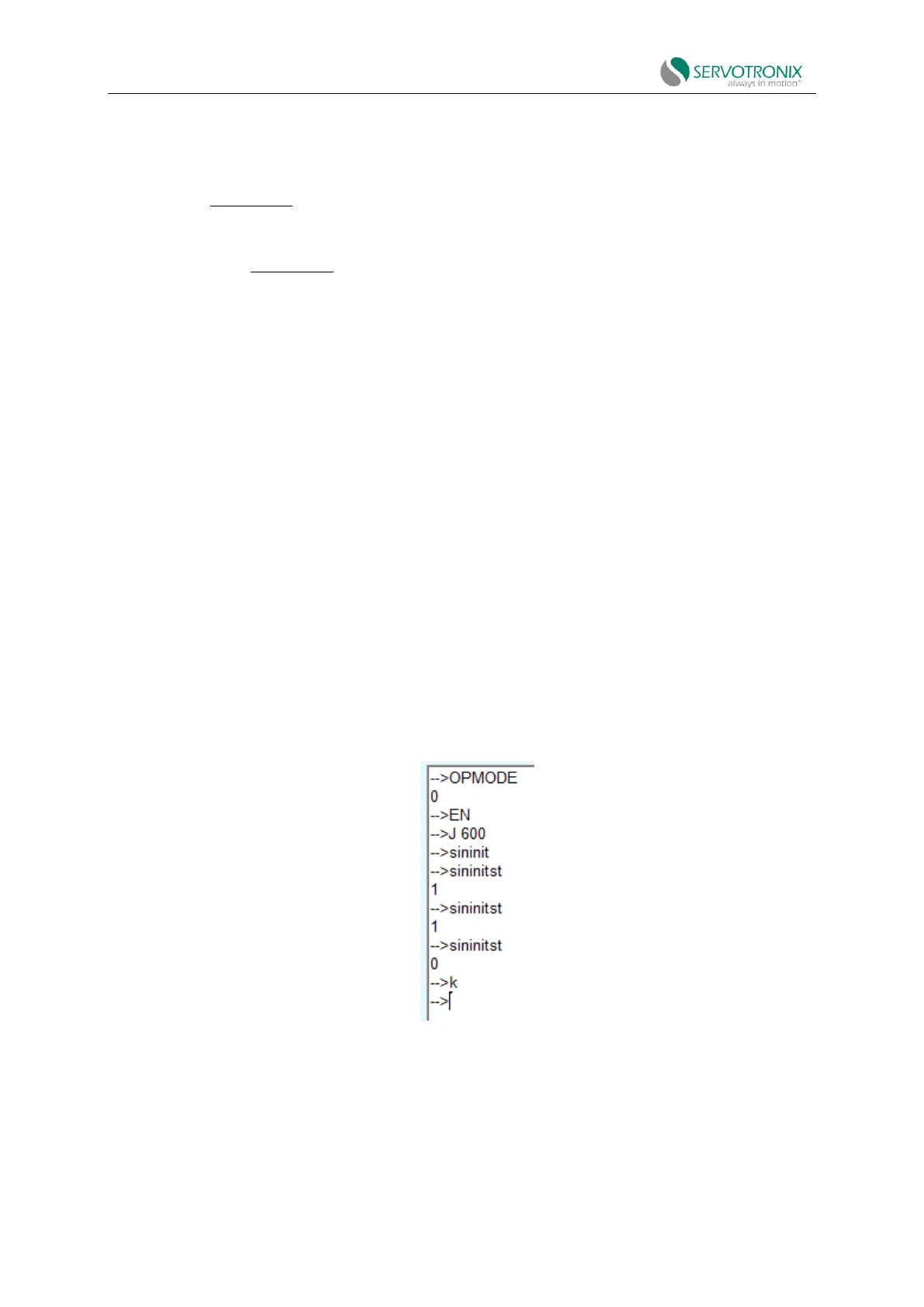
Example: The motor is running in a velocity control loop at 600rpm and a calibration procedure
is performed.
Figure 6-17
Procedure: Calibrate resolver using ServoStudio2
1. In the Feedback screen, select Feedback > Resolver.



 To Next Page