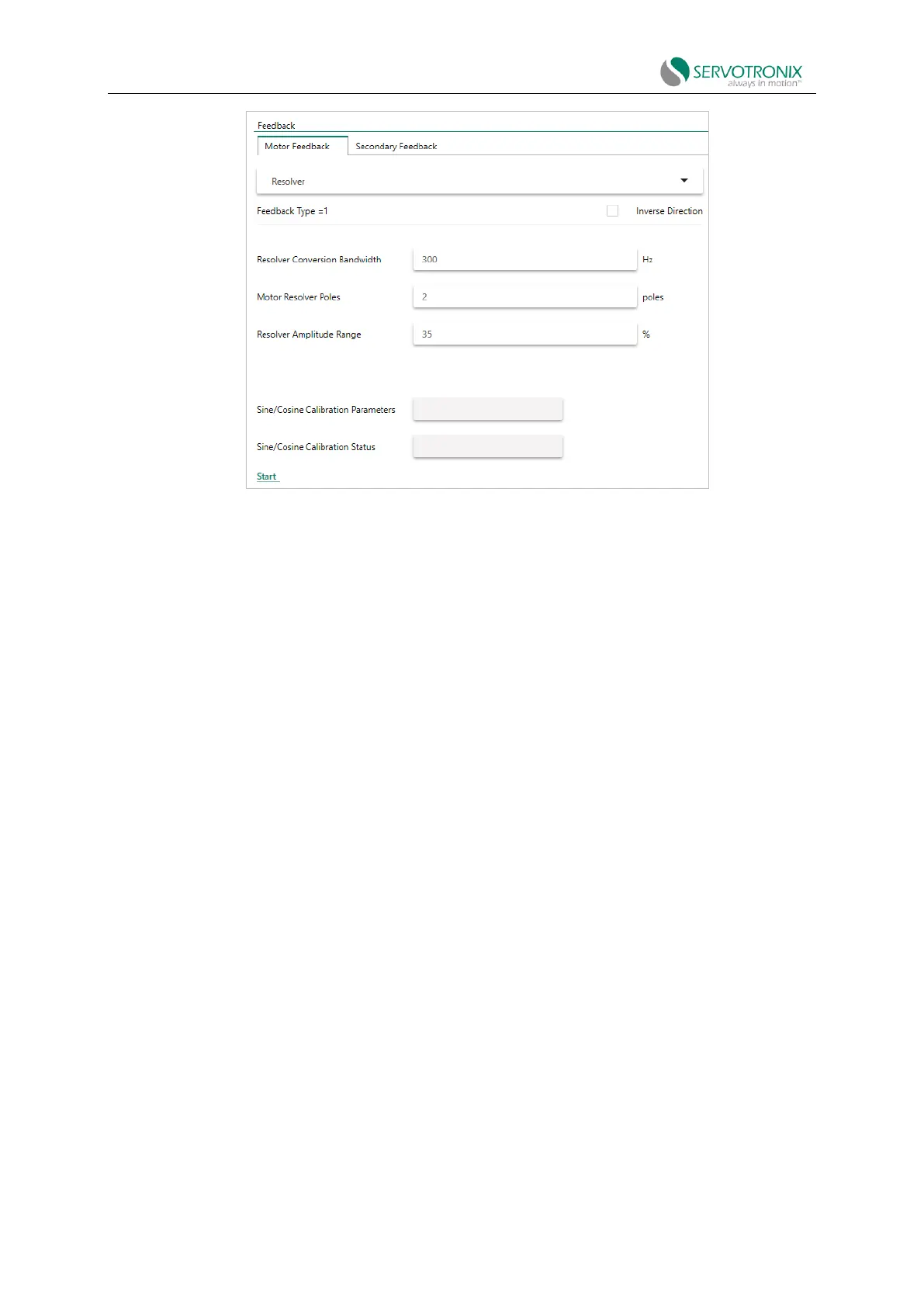
Figure 6-20
a. Notice that the sine/cosine calibration status is 0.
b. Press the "Start" button to begin the calibration procedure.
c. Notice that the sine/cosine calibration status changes to 1.
d. Wait for the sine/cosine calibration status to return to 0.
Calibration completed.
1. In the terminal interface, enter the sine/cosine calibration command:
SININIT<Enter>
2. According to your application operation mode (current, velocity, or position mode),
enter a command to run the motor at a low speed (e.g., 100 rpm). Alternatively, the motor can
be run manually.
3. Enter the sine/cosine calibration status command:
SININITST<Enter>
4. Wait for SININITST to change to 1, then return to 0.
Example: The motor is running in a velocity control loop at 6rpm and a calibration procedure
is performed.



 To Next Page