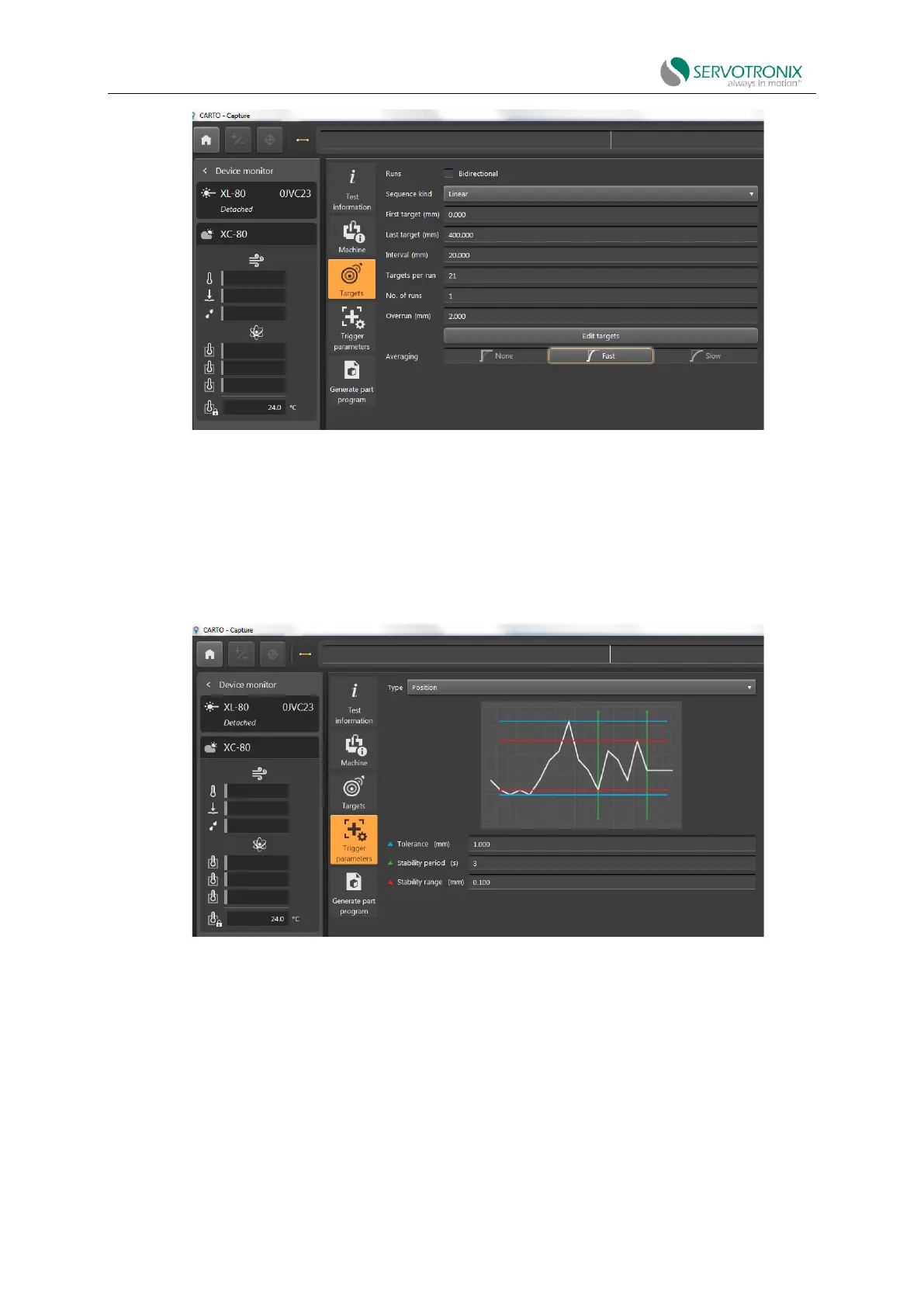
Figure 6-48
7. CARTO Capture - Define Tag > Trigger Parameters menu.
Use position triggering. This mode automatically captures data by comparing laser
measurements to target positions and records error measurements when the machine is within
specified range of tolerance, stability period and stability range.
Figure 6-49
8. CARTO Capture - Capture tab is at the bottom of the screen, press Capture.
(When capture is activated, the laser is reset to 0; if not reset, use the DATUM function.)
The laser system will now perform measurement sampling.



 To Next Page