5. Optional: modify the motion settings and/or gain settings and repeat the test under different
conditions:
◼ Target position
◼ Cruising velocity
◼ Acceleration (and deceleration)
◼ HD Global Gain (KNLUSERGAIN); This is the global gain parameter of the HD control
loop. The higher the gain value, the stricter the control, and the lower the value, the
looser the control.
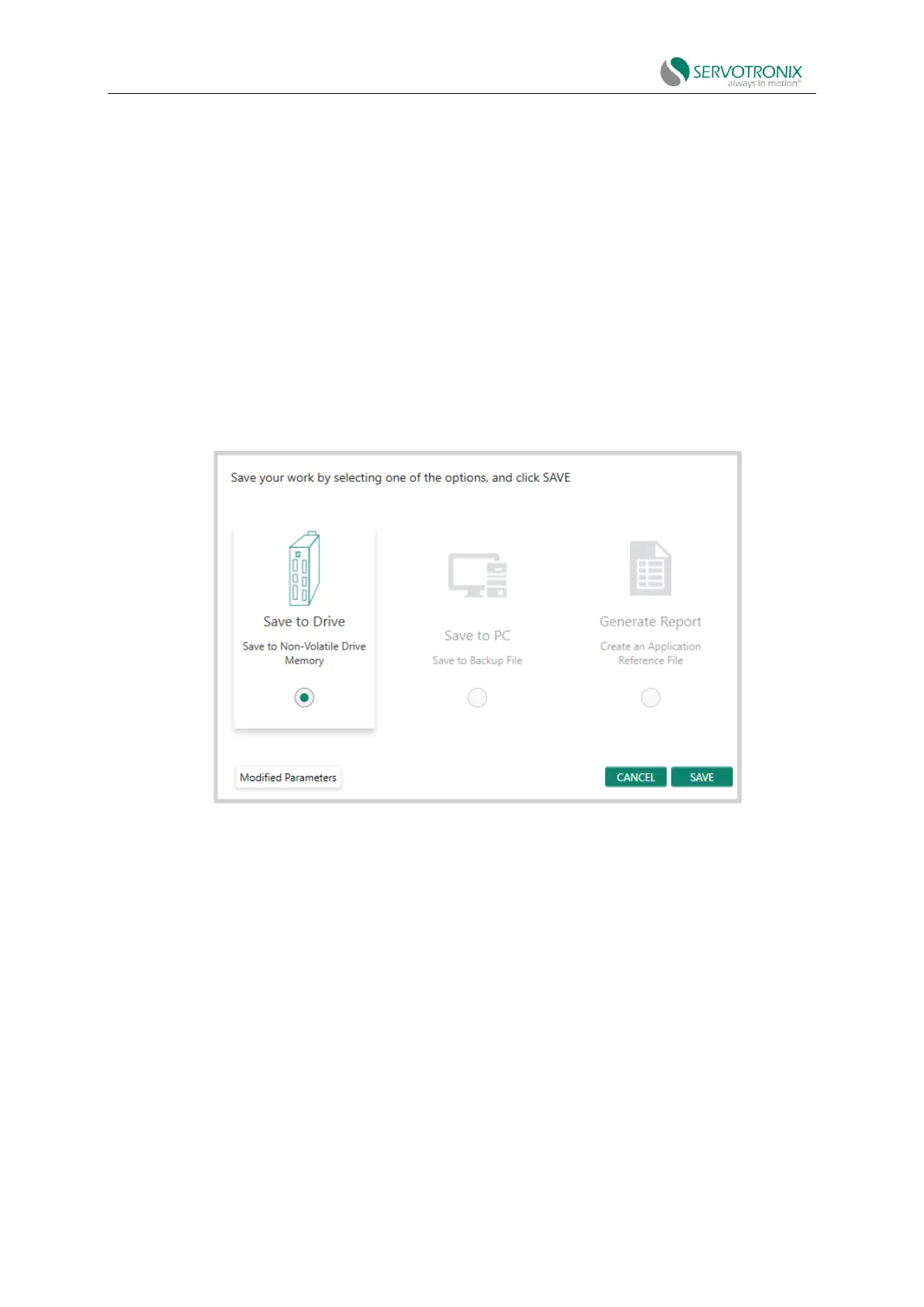
6. Click Save to save the parameters of the autotuning settings.
Step - Save
Figure 8-10 Autotuning - save
To complete the autotuning process, do all of the following:
⚫ Click Save to Drive to save the parameters in the drive RAM to its non-volatile drive
memory.
⚫ Click Save to PC to save the parameters in the drive RAM to a backup file on your
computer. Parameters are saved in text files with TXT or SSV extension. Text files can
be edited using Notepad or any other text editor.
⚫ Click Generate Report to create a record of your system settings that can be used for
future reference and/or sent to technical support if needed.
It is recommended that you generate a report every time you complete application
configuration, even if the system is running normally.



 To Next Page