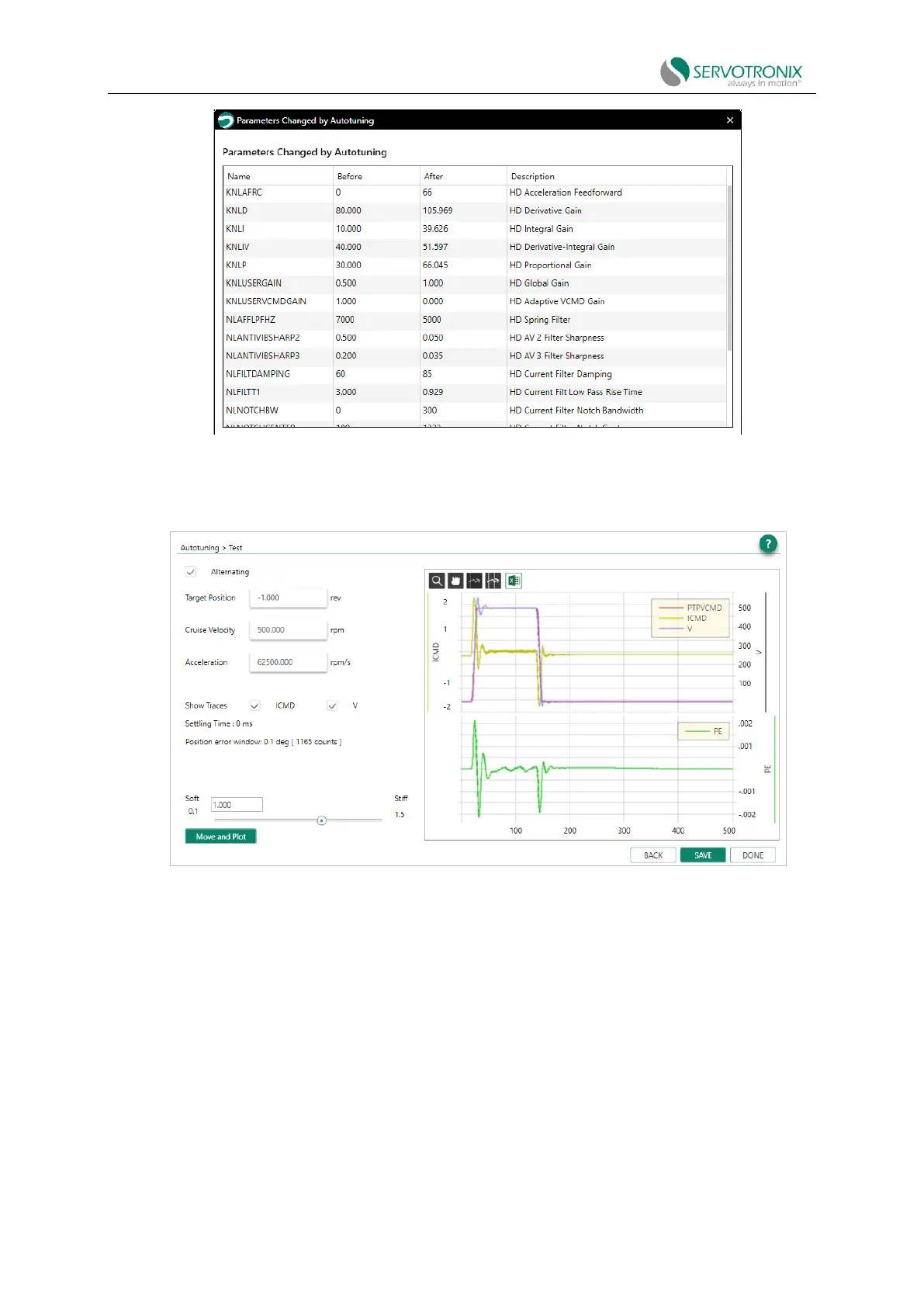
Figure 8-8 Autotuning - parameters changed by autotuning
Step - Test
Figure 8-9 Autotuning - test
4. Click Move and Plot to send the current command to the drive and plot the response.
Move and Plot enables the drive and the motor will run!
The resulting graph shows the position command profile in velocity unit (PTPVCMD). Option
can also display motor velocity measured by feedback device (V) and current command (ICMD).
The second plot shows position error (PE).
The wizard also displays the system-calculated settling time and position error window values.
Toolbar buttons allow you to examine the drawing more carefully and export the results to a
spreadsheet. These functions are also found in the ServoStudio2 Range screen.



 To Next Page