Options: Smoothing
Select this option to automatically tune the input profile command. If checked, autotuning
will adjust the profile smoothing parameters. Clear this option if the application is multi-axis and
requires equal smoothing on all axes.
If cleared, MOVESMOOTHAVG is used, and its value is in the range of 1-15 ms.
Option: Load/motor inertia ratio (LMJR) value
Typically, autotuning can use the load/motor inertia ratio (LMJR) value calculated in the
autotuning step - inertia ratio estimation.
If you need to change the load/motor inertia ratio (LMJR) value detected by the drive, please
use this option. Enter a load/motor inertia ratio value.
Please refer to "Step - Load/Motor Inertia Ratio".
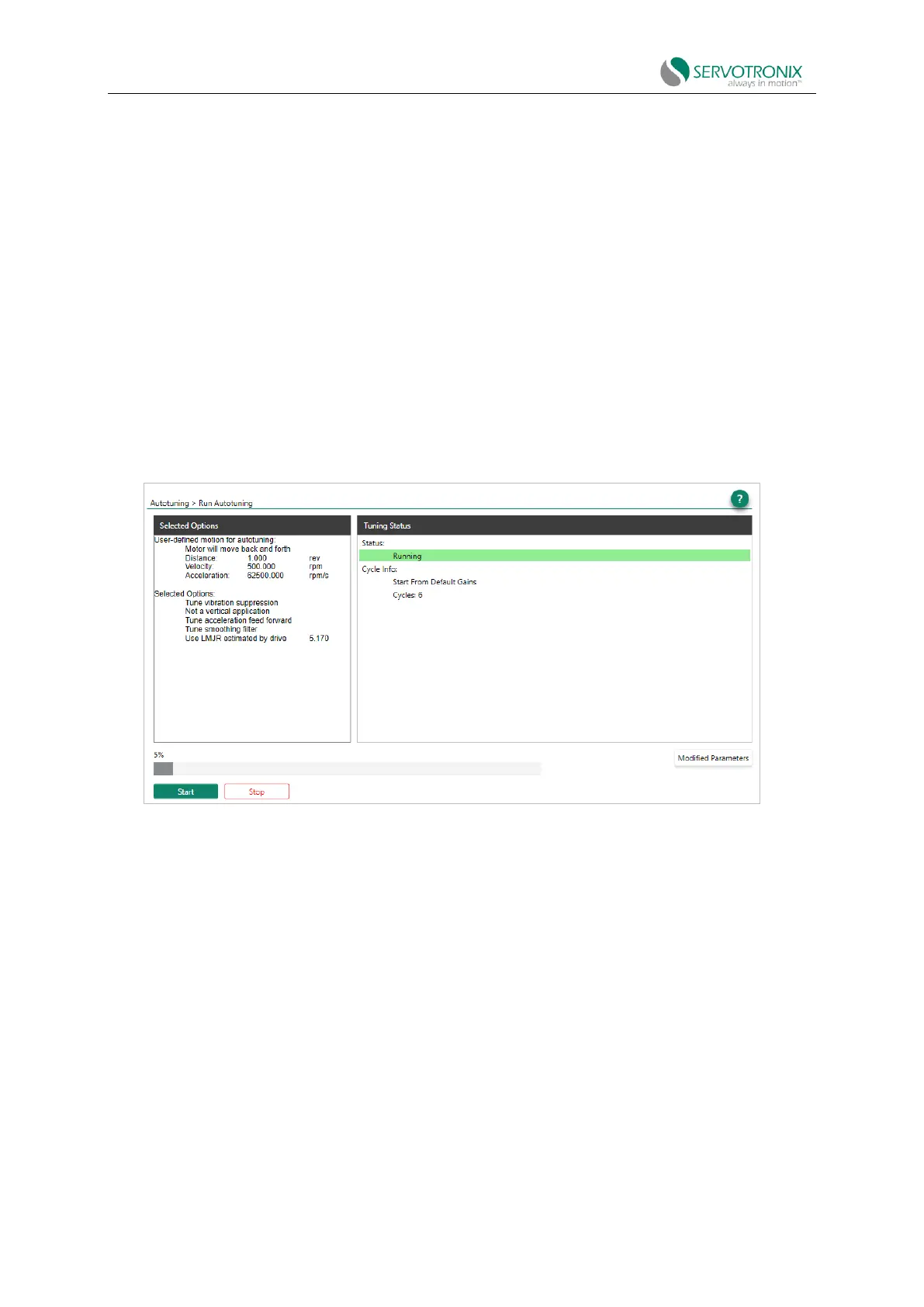
Step - start
Click start to run the autotuning process.
Start repeatedly enabling the drive and running the motor!
Figure 8-7 Autotuning - start
The motor moves continuously back and forth while testing values at intervals over the entire
range of each control loop parameter. After autotuning is completed, click Modify Parameters to
view the new settings.



 To Next Page