Autotuning must be performed using transmission profile, replicating the actual mechanical
characteristics of the motion performed in the application. Click Set Defaults to set values that
produce a good trapezoidal profile on the graph.
The software will indicate whether this profile is suitable for the autotuning procedure.
⚫ Highlight orange: profile available, but not recommended
⚫ Highlight red, profile not available
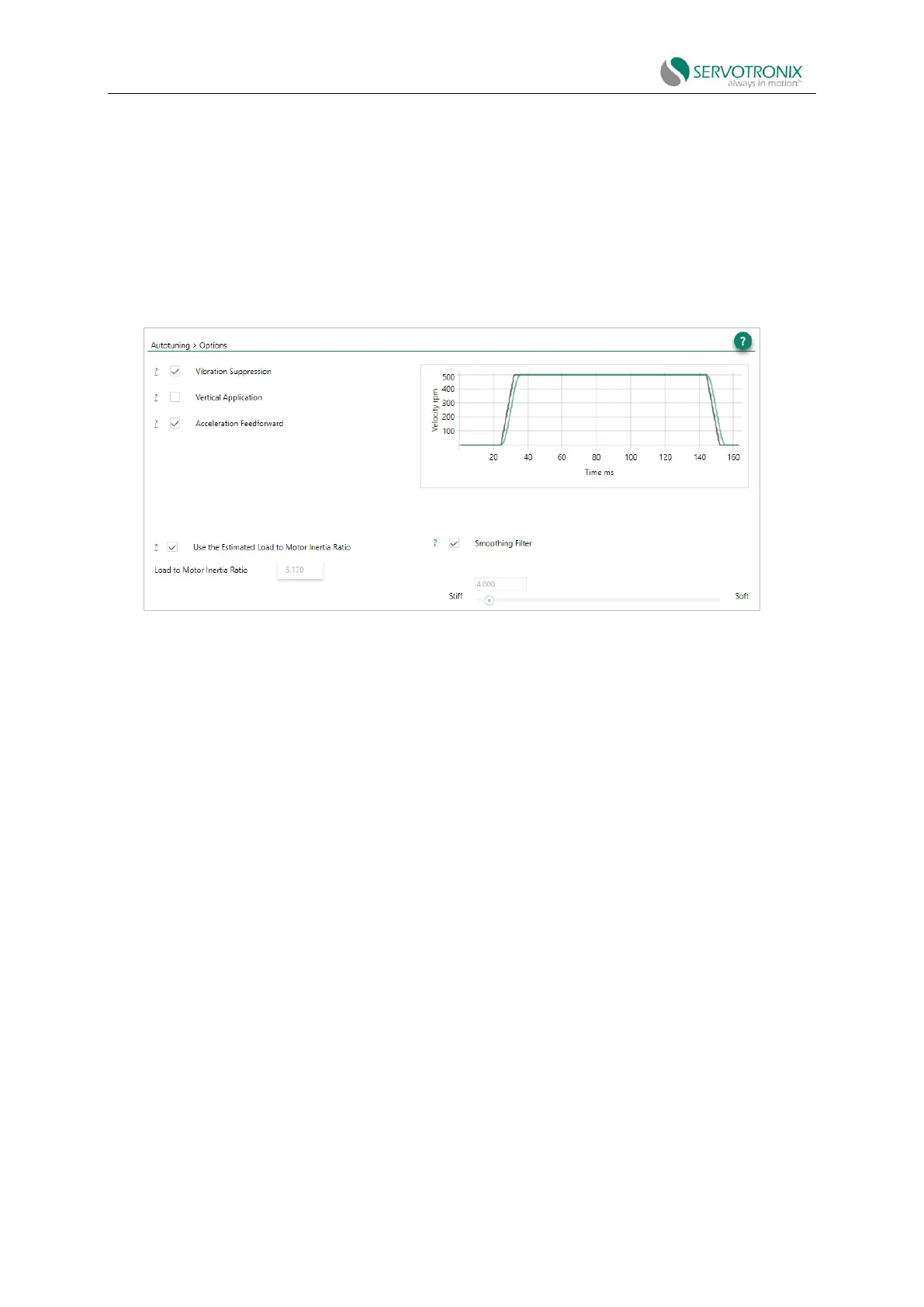
Step - Autotuning options
Figure 8-6 Autotuning - options
Option: Vibration suppression
Select Vibration Suppression for the autotuning vibration suppression parameter sets (anti-
vibration 2 and anti-vibration 3).
Clear this option if you want to set the vibration reduction parameters manually or apply
without vibration reduction.
Increased anti-vibration may lead to the following effects:
⚫ Vibration will be suppressed, thus improving settling time.
⚫ High HD loop gain is allowed.
⚫ Increasing the position error of the motor, but the position error and vibration of
the end effector will be decreased.
Option: Vertical application
Select this option for gravity compensation when the axis moves vertically. If checked,
autotuning will set the value of parameter IGRAV. Clear this option if the axis moves in two
directions in a balanced (non-vertical) way.
Options: Acceleration feedforward
Select this option to reduce tracking errors during exercise. If checked, autotuning will set the
value of parameter KNLAFRC. If the overshoot is too large, clear this option.



 To Next Page