Reports 9-25SIMATIC PCS 7 OSx 4.1.2 Operator
(OSxess) The OSxess Report Output Display provides a historical snapshot
of an OSxess report. The
File menu has the following options: Print, Print As,
Delete,andExit. All other menus have been removed.
The toolbar and the right-click menu in the Editor window have both been
disabled. The
Close option from the Windows Manager menu (top left corner
of the window) has been removed.
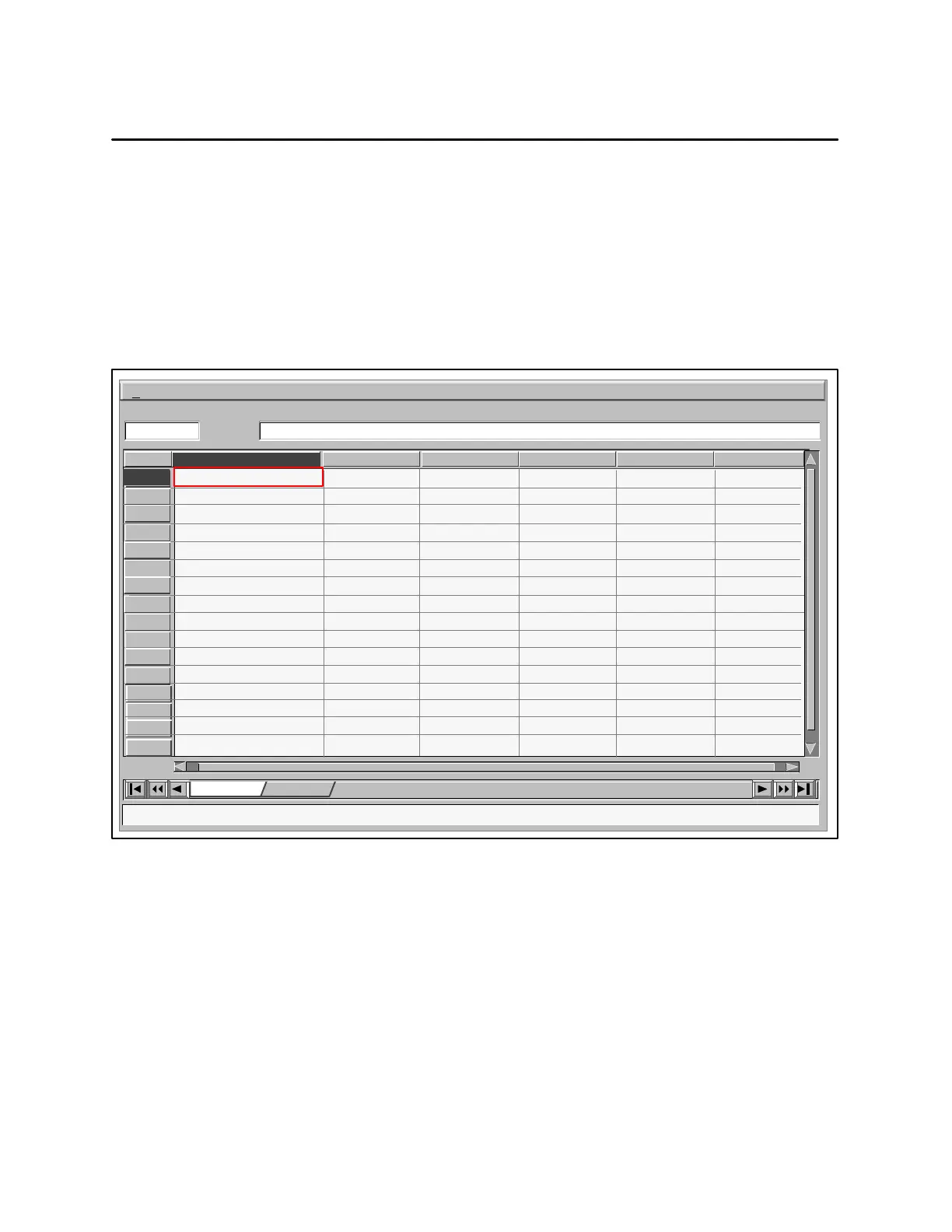
Figure 9-16 shows an OSxess report output.
2
3
4
File
[A1] This is a sample report
This is a sample report
5
6
7
8
9
10
11
12
13
14
15
16
Sheet1 New Sheet
A
1
BCDEF
AI Tags PV Values Target Values
AI_3
AI_2
AI_1
AI_0
0.15
0.56
0
0.94
0.54
0.87
0
0.5
Figure 9-16 Viewing a Report Output (OSxess)


 To Next Page
 Loading...