LC700 Architecture
2.11
Installing DF90
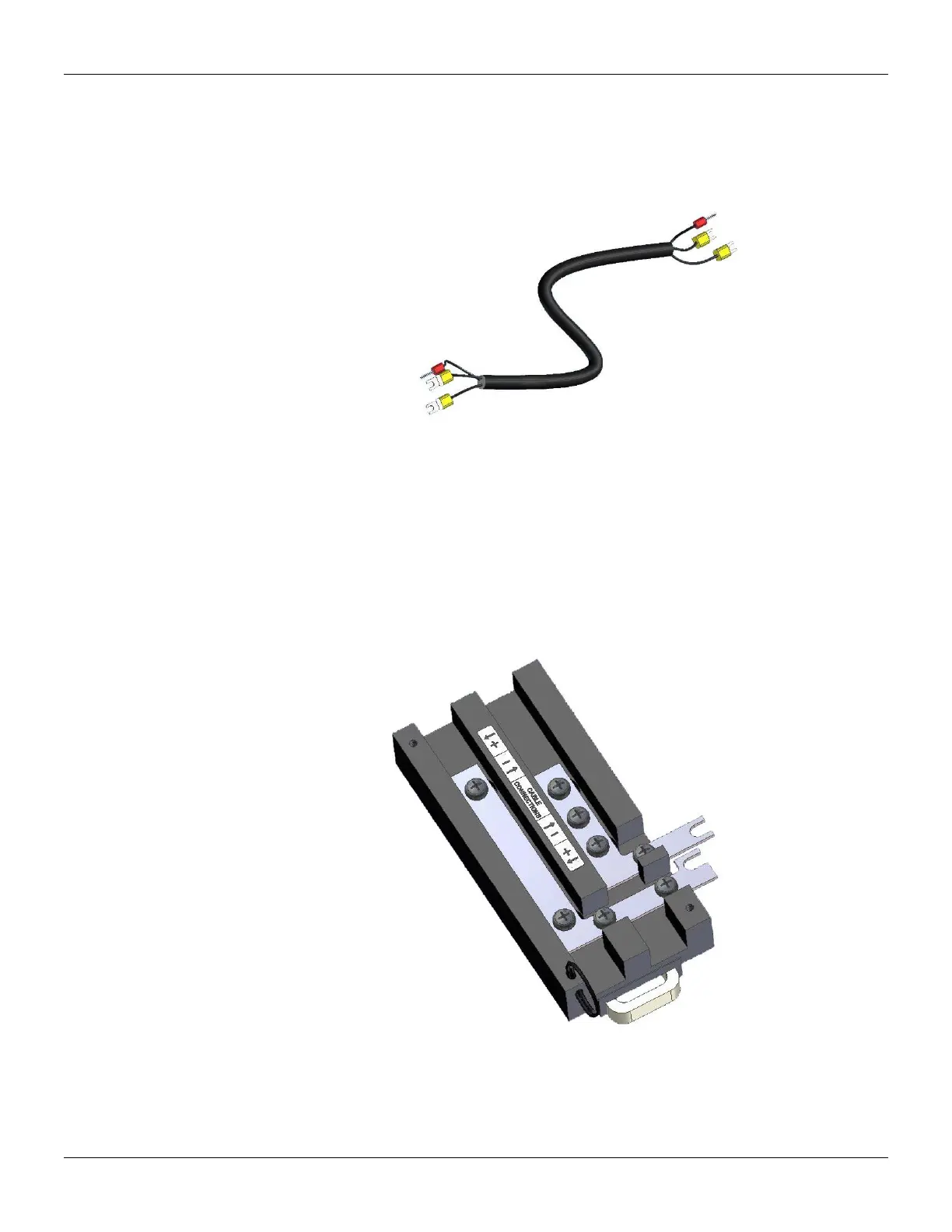
Figure 2.19 - IMB power cable (DF90)
The cable DF90 must be connected only through DF91, interconnecting two of them. Follow the
next steps to execute that procedure.
1. With DF91 already connected to rack, release the cover’s screws, and open it;
2. Release the DF91’s screws indicated by labels (+) and (-);
Figure 2.20 - DF91 detail
3. Attach the DF90’s terminals with the DF91’s screws, obeying the polarity indications;
4. Connect the DF90’s shield terminal to the ground terminal next to DF91;



 To Next Page