Modules And Accessories
3.13
NOTE:
For better performance of your system we recommend:
• OFF Duty must be set as 20 % of the Ladder cycle of execution.
• Time Delay depends on the Workstation’s processor. If the processor is higher than a Pentium
MMX 233 MHz we recommend that Time Delay is set for 5 ms. Otherwise we recommend that
the Time Delay is set with its default value.
• When the Dip switch 4 is in the default position or IF the value set for OFF-DUTY is set for
position, the value set for OFF-DUTY will be 20% of the cycle (the I/O module scan plus Ladder
execution)
Device Communication Baud Rate and Device Address
The CPU module has a key where the user may select default communication parameters (DCP-
Switch 4 ON) or programmed communication parameters (PCP-Switch 4 OFF). Default parameters
are address 1 and baud rate 9600 bits/s.
In the PCP position the user might select a new address and/or baud rate, using CONF700. The
new adjustment of parameters will be accepted only after the key being moved to the PCP position.
In the PCP position the user is also able to change the communication parameters. In this case they
will be accepted immediately after they have been sent.
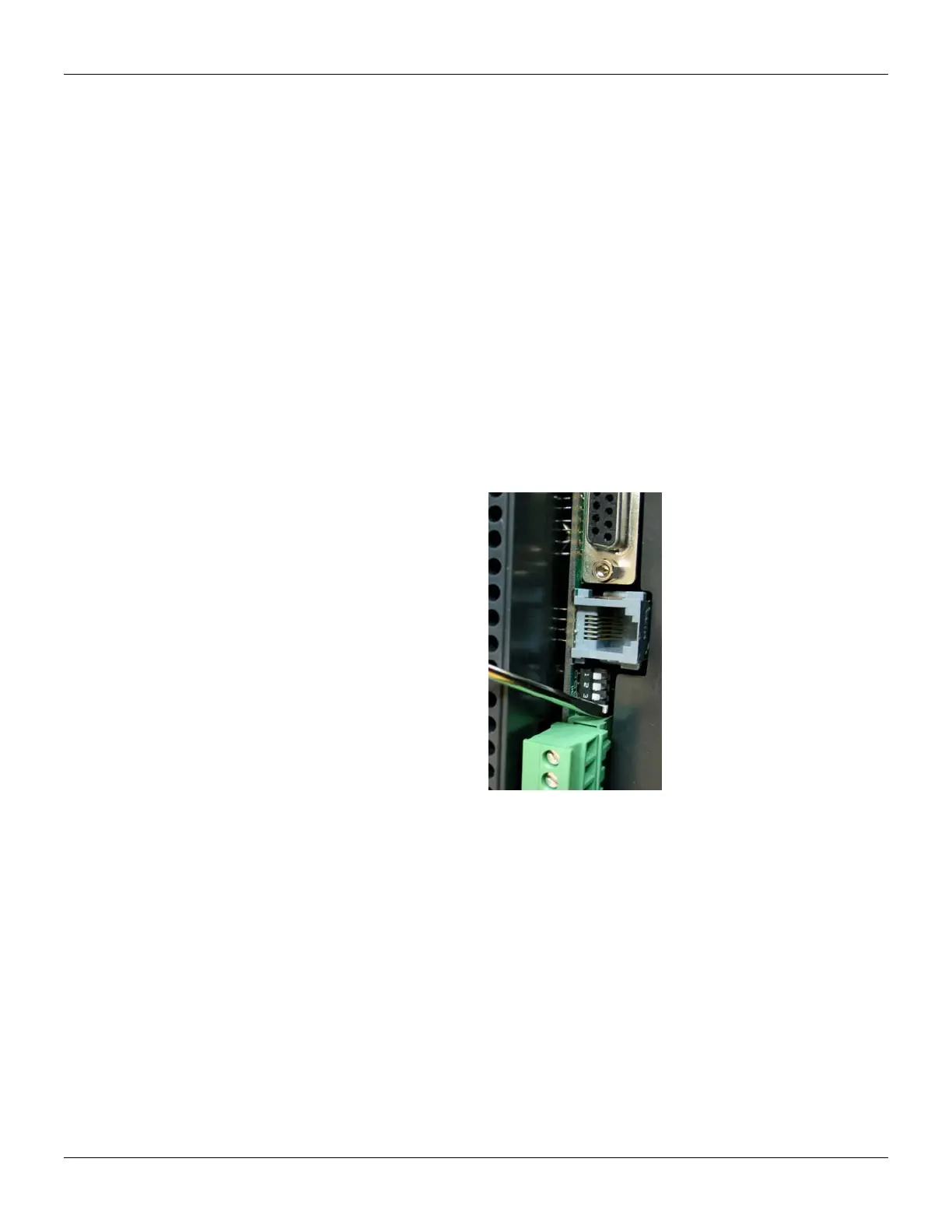
The default values apply to three channels: P1, P2 and P3. The user can set the Dip Switches using
a key as the figure below shows:
Figure 3.5 -Setting the Communication Parameters Of The CPU-700.
CPU-700 Operation Modes
The CPU-700 may act as:
o A CPU with three MODBUS/RTU channels.
o Master CPU in a system with Remote I/O (RIO) where 2 channels work as MODBUS/RTU
and the remaining one (P3) as remote master channel.
To change the operation mode of the CPU-700, the user needs to change the Rotary Switch
position. This rotary key is located underneath the CPU-700 module as shown in the next picture.



 To Next Page