WSM6 Manual
Document Ref: UM-8270-000
Issue: A Rev 0
Section 7
45
SECTION 7 – WSM6 FUNCTIONAL TEST
7. WSM6 Functional Test
Carry out the following tests to check the full electronic functionality of the WSM6.
7.1 Serial Communications with PC software
Use the following procedure to test the Serial Communications of the WSM6.
1. Use the charger/comms interface, connect the WSM6 to a PC.
2. Run the WSM Terminal Software.
3. Switch the transponder ON by rotating the end-cap ON/OFF switch.
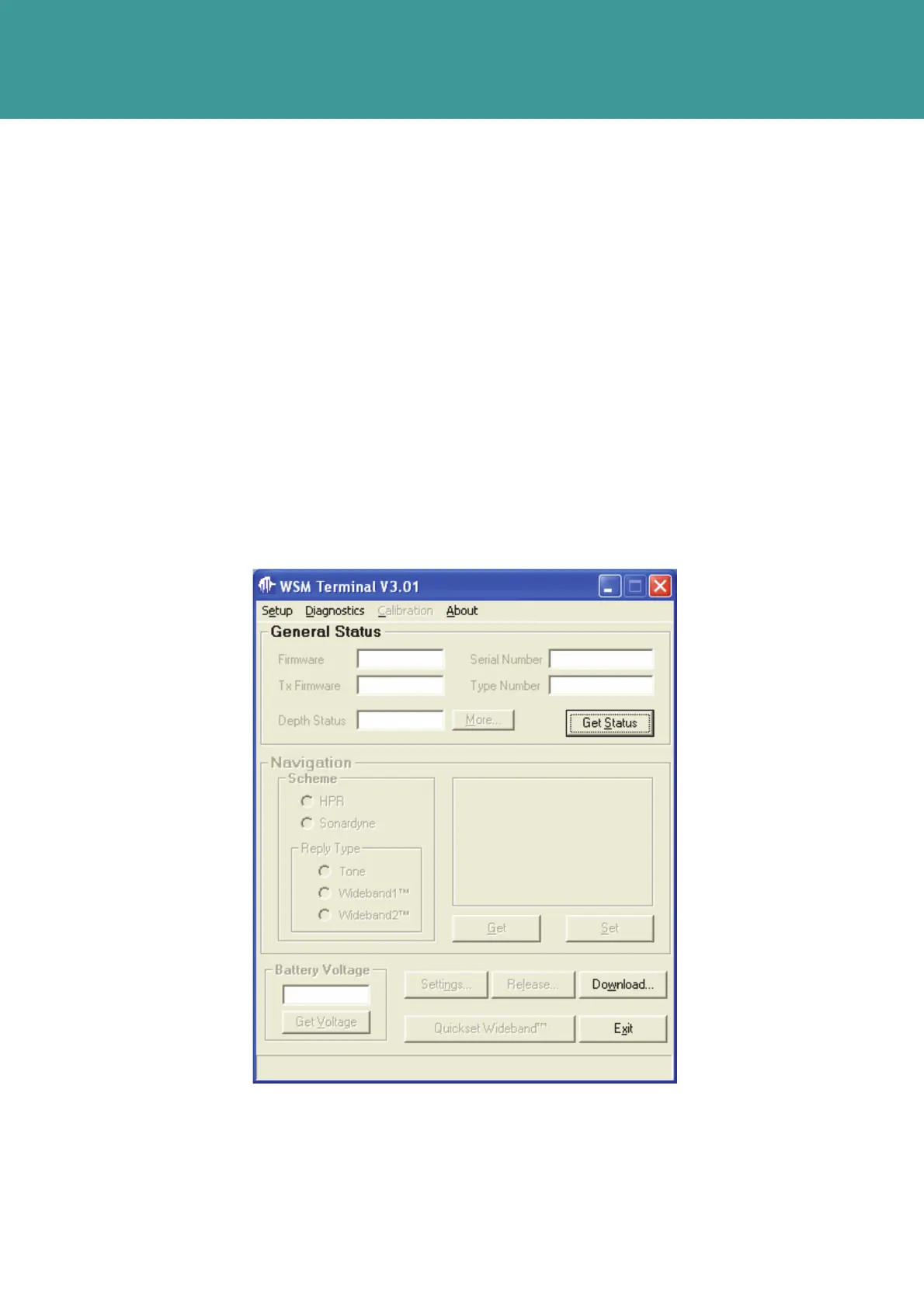
4. Select Get Status on the WSM Terminal Software. Refer to Figure 7-1.
Figure 7-1 – WSM Terminal Softw
are Get Status
October 2011



 To Next Page