WSM6 Manual
Document Ref: UM-8270-000
Issue: A Rev 0
Section 7
78
7.9.2.2 Saving
1. From the menu toolbar, select File, then Save or Save As, this prompts the standard save
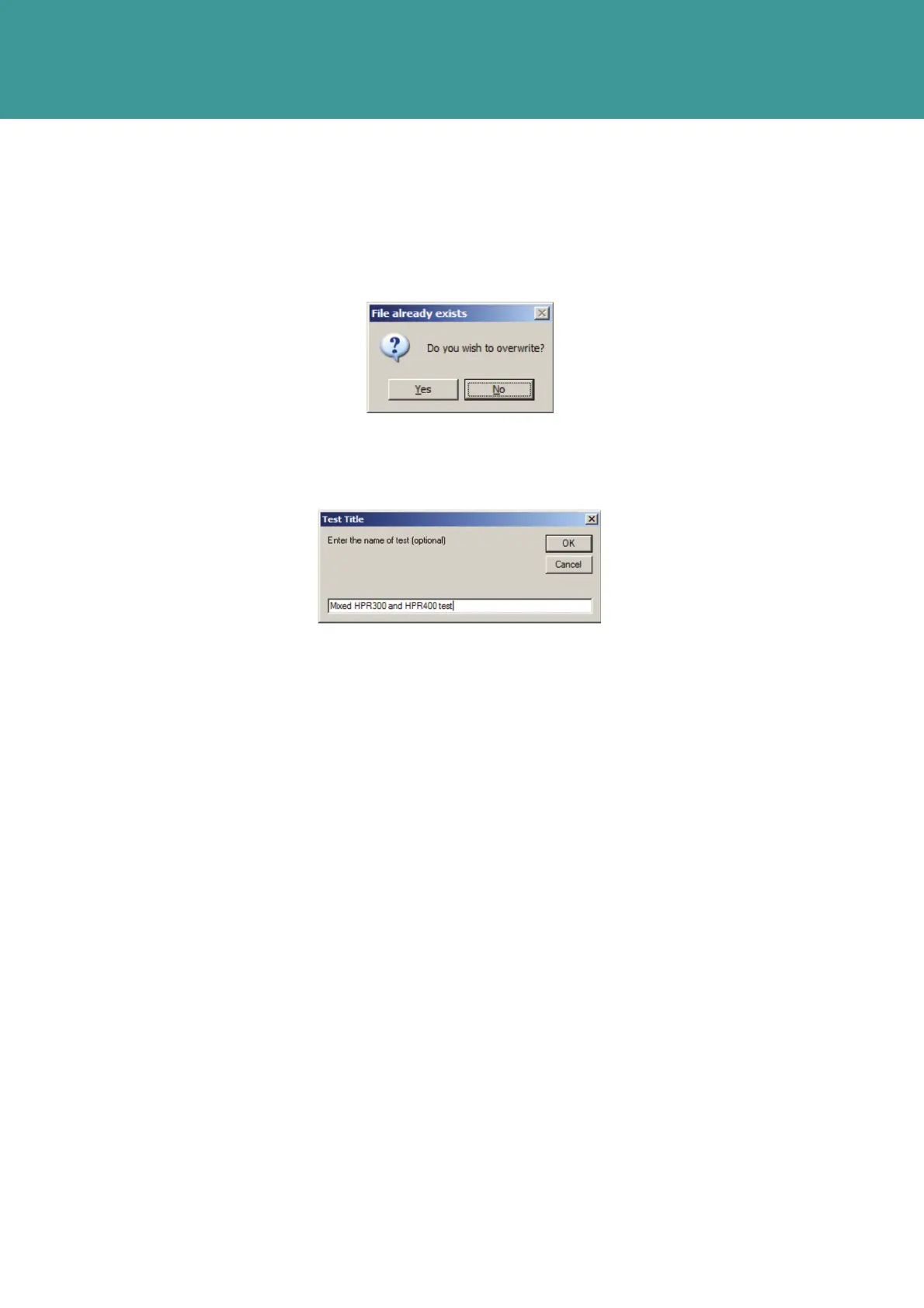
dialog. If the file name is not changed further prompts are:
Figure 7-36 – Saving File already exists prompt
2. Choosing No aborts the save process; Yes prompts the Test Title dialog:
Figure 7-37 – Test Title dialog box
7.9.2.3 Check Boxes
1. Checked Loop Round Channels to Test to test each channel in turn and then loop back to
the first channel in the list. Unchecked runs the list without looping.
2. Checked Change Channel using Serial Link to automatically set the correct
Channel-under-Test via the PC. DO NOT Uncheck for a WSM6 (unchecked implies the
Channel needs to be configured by switch setting according to the channel-under-test).
3. The Settings menu option is for advanced configuration of the ANT through ANT
Parameters.
4. The general condition is to use the default selection set by Use Defaults.
5. However if a unit is connected to a deadweight tester or other pressure calibrator the Depth
wait may need to be increased. HPR300 125ms =0m then 0.5ms/m thus 1s = 1750m.
HPR400 125ms = 0m then Xms/m where X is the value in the HPR400 Depth Scale window.
October 2011



 To Next Page