WSM6 Manual
Document Ref: UM-8270-000
Issue: A Rev 0
Section 7
48
7.4 Software Operation
7.4.1 Software Setup procedure
Use the following procedure to safely use the WSM Terminal software.
1. If the default setup locations are accepted during installation, then the program can be run
from the Start button. Follow: All Programs > Sonardyne > WSM Terminal V3.01.05.
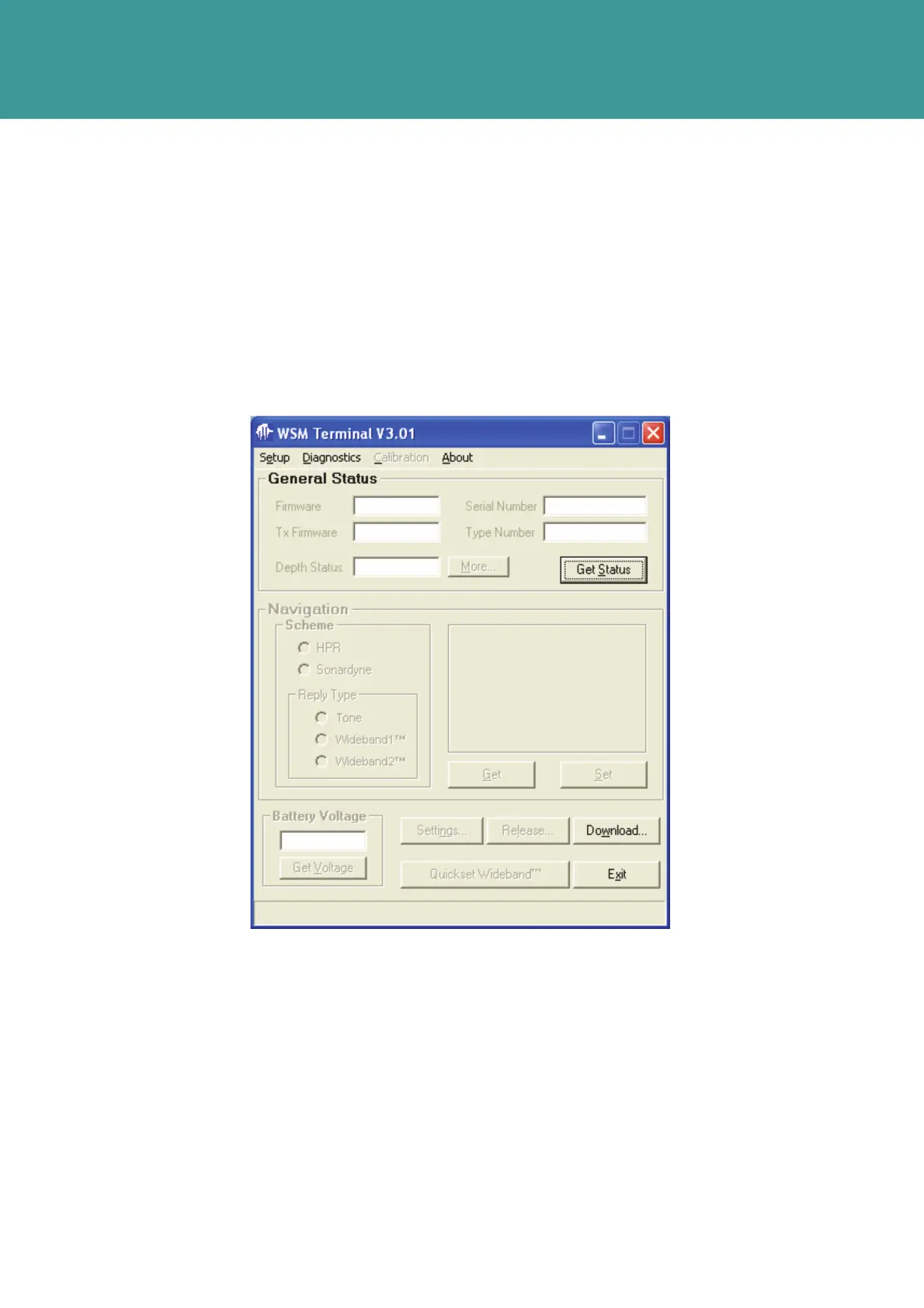
2. The WSM Terminal – General Status main screen will appear.
Figure 7-3 – Software operation
October 2011



 To Next Page