WSM6 Manual
Document Ref: UM-8270-000
Issue: A Rev 0
Section 7
October 2011 77
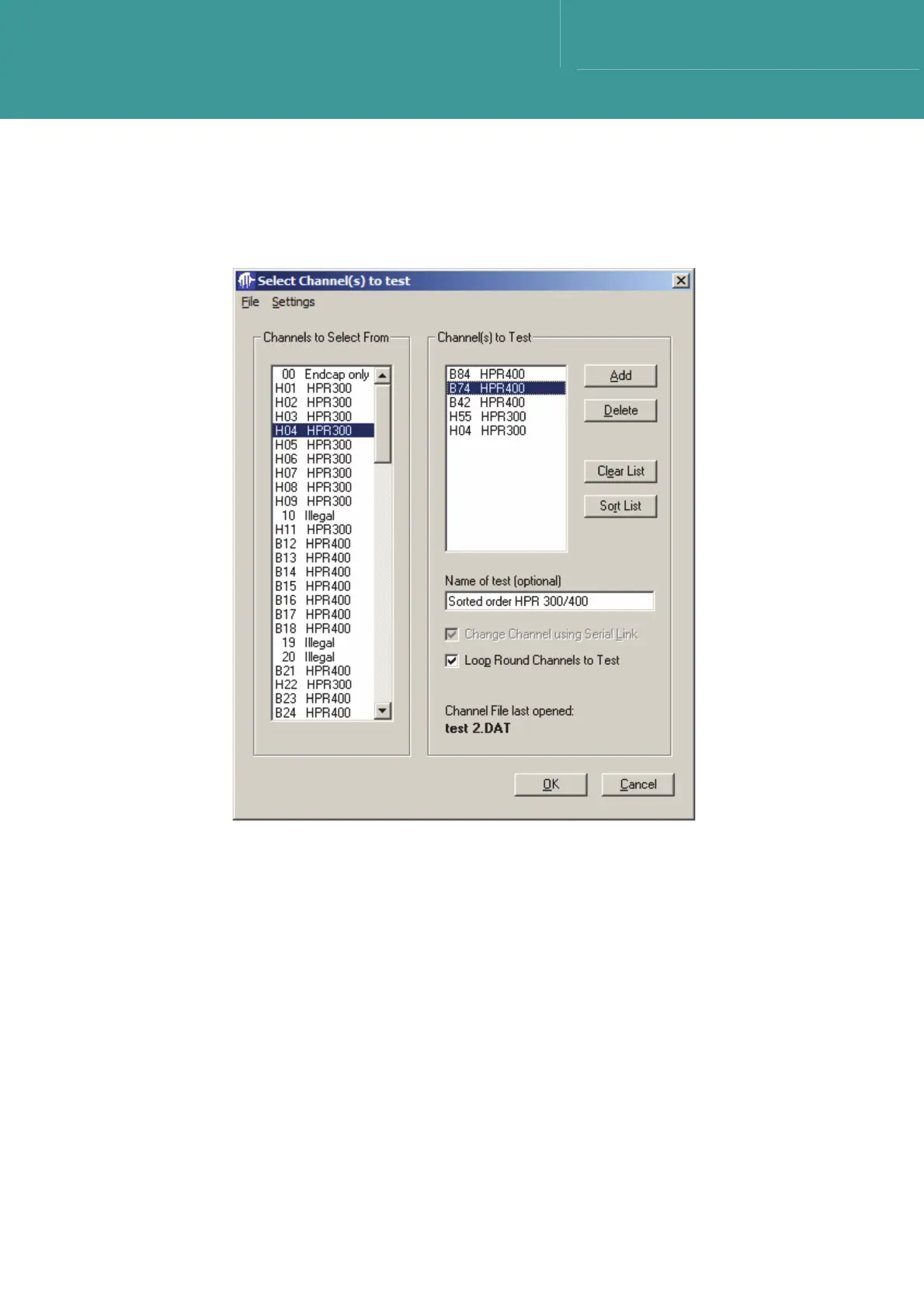
8. To delete a channel from the Channel(s) to test list, click on the desire channel to delete to
highlight it.
Figure 7-35 – Highlighting a channel to delete from Channel(s) to test list
9. When the channel to delete is highlighted, select Delete to remove it from the list.
10. Select Clear List to remove all channels from the list.
11. Select Sort List to sort the Channels to Test list into an ascending channel number order.
7.9.2.1 Name of Test (optional)
The Name of Test text box is an optional test string to label a custom list of Channels to Test.



 To Next Page