WSM6 Manual
Document Ref: UM-8270-000
Issue: A Rev 0
Section 7
October 2011 53
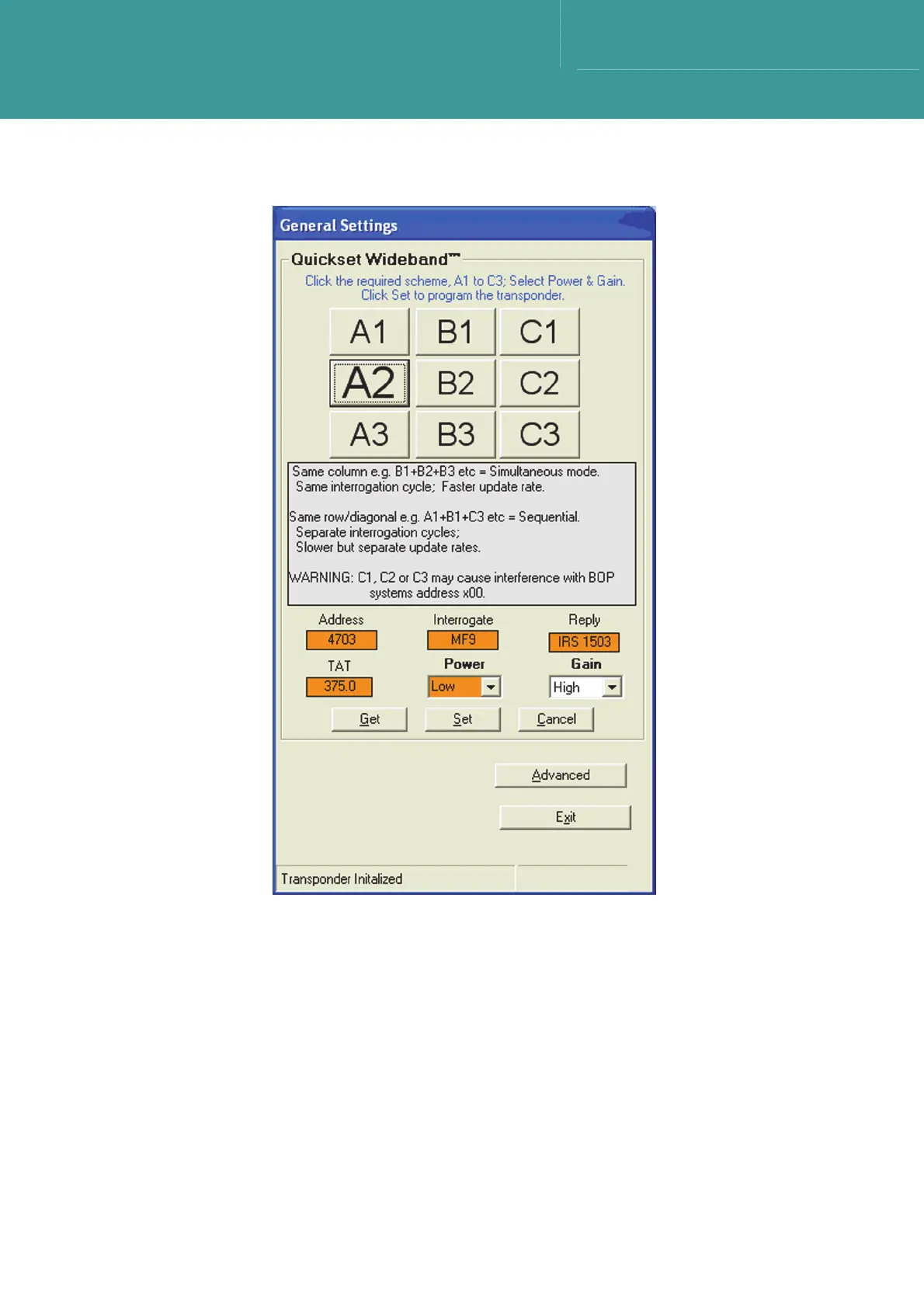
Figure 7-7 – Quickset Wideband Configuration
3. If the unit is already in a Quickset configuration, one button will have font larger than the
others.
4. Select the Power and Gain settings from the drop down menus.
5. The Advanced button allows users to select any available interrogate and reply signals, as
well as other advanced features.
6. When the configuration is complete, select Exit to return to the main screen.



 To Next Page