WSM6 Manual
Document Ref: UM-8270-000
Issue: A Rev 0
Section 7
62
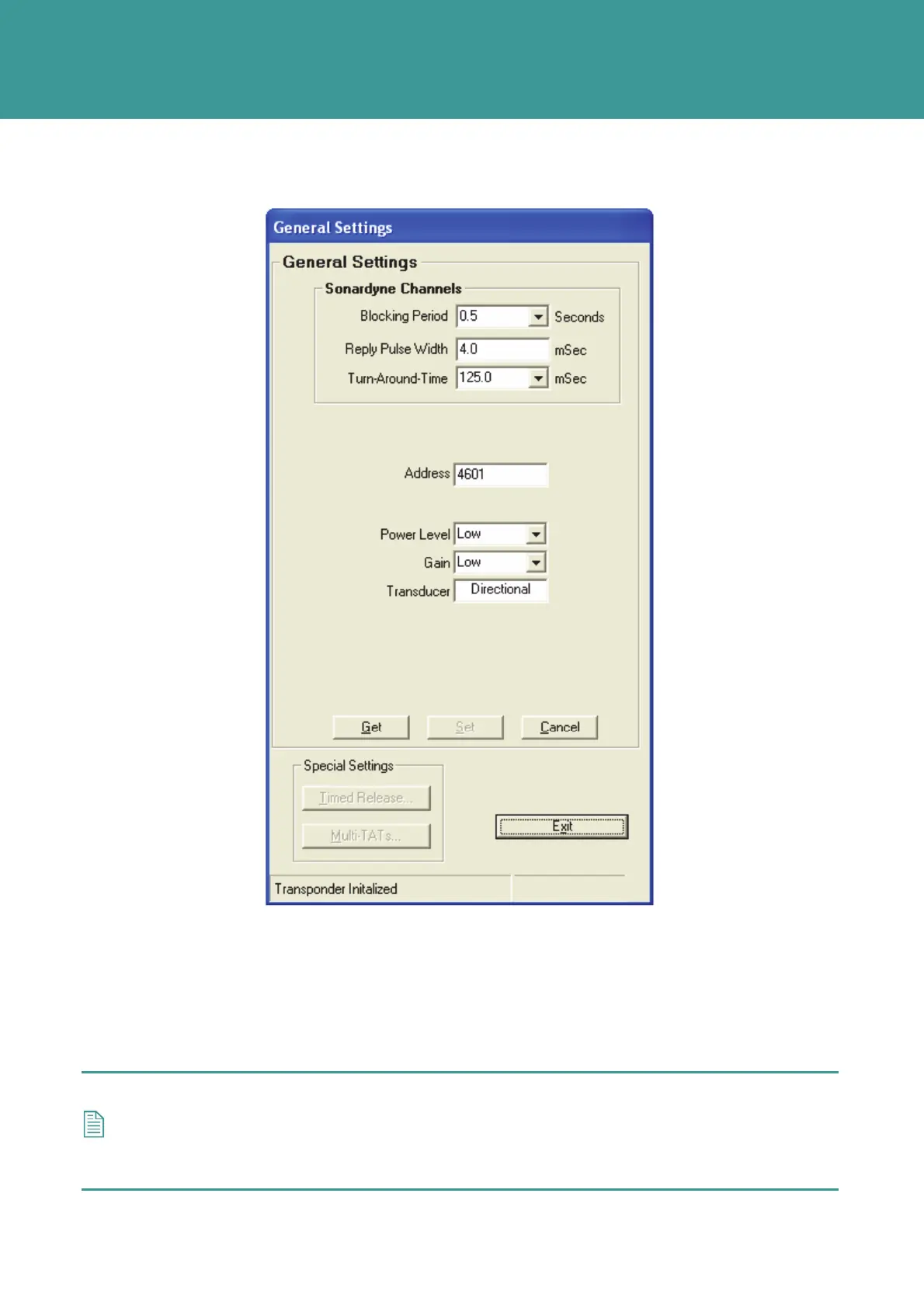
Figure 7-16 – General Settings - Address
The WSM Address defines the Individual Reply Signal (IRS), changing the Address changes the
IRS.
1. To change the Address, type in a new command Address in the range 3301 – 4714 (101 –
1514 when using old transceivers).
2. Click Set. After a Set operation, the NAV Scheme and Reply type fields are greyed out.
NOTE
The Wideband IRSs used by WSM have a parallel set of signals, duplicating those used
by Compatt 5. Subtract 3200 from the WSM Address to give the equivalent Compatt 5 IRS,
e.g. WSM Address 3310 uses the same IRS as a Compatt 5 set to address 110.
October 2011



 To Next Page