WSM6 Manual
Document Ref: UM-8270-000
Issue: A Rev 0
Section 7
October 2011 73
1. Select Channel Range Test.
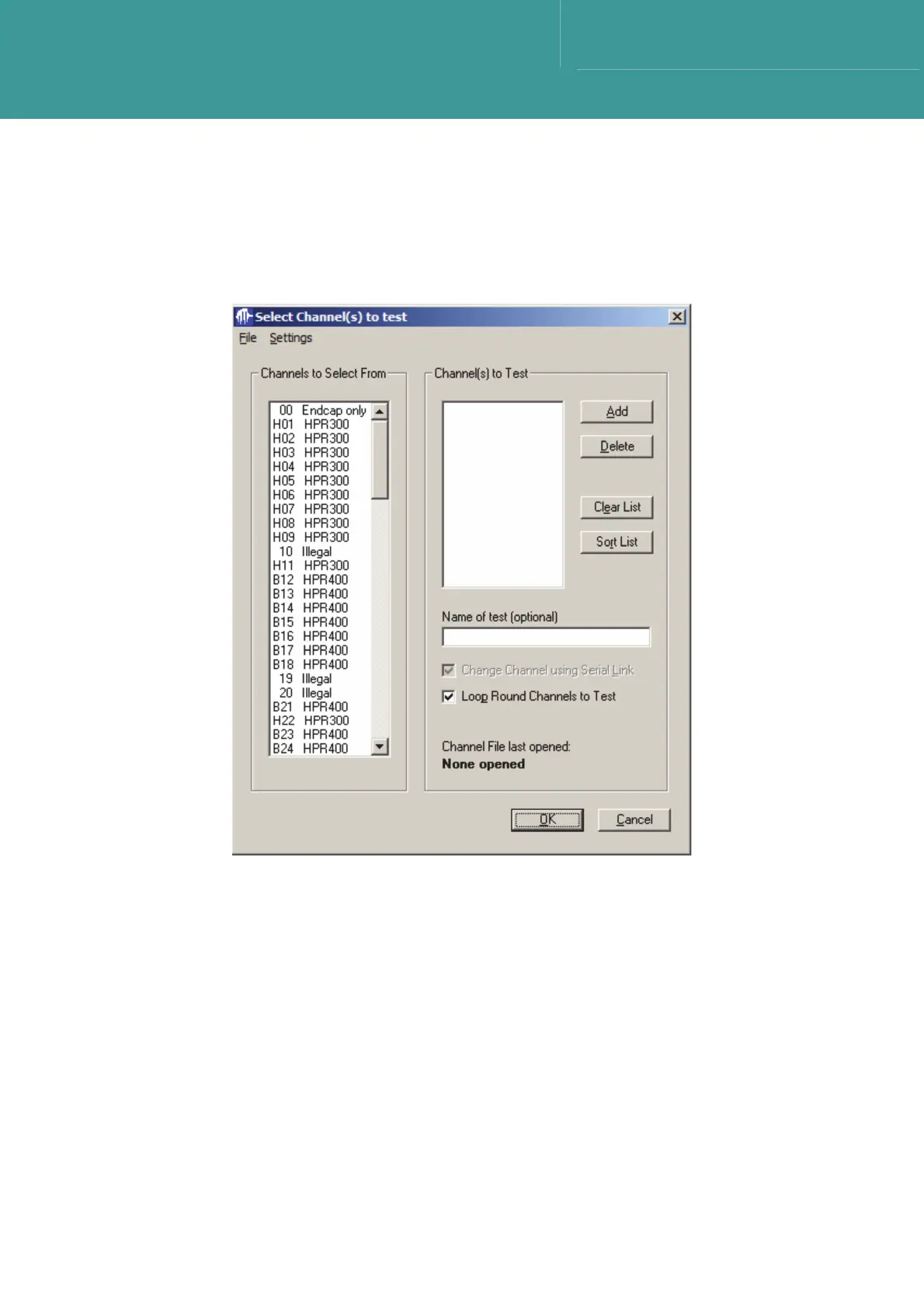
2. In the window choose Select Channel(s) to test. This displays the range of channels that
can be selected from for use in the test.
Figure 7-28 – Select Channel(s) to test
3. To select a Channel(s)-to-test, click on a Channels-to-Select-From, and press Add, or
simply double-click a Channel(s)-to-test.
4. Alternatively, select the File and then choose New Test Channel File menu option and
specify a file name if a new custom .DAT file is to be created or choose Open Test Channel
file if an existing file is to be opened.



 To Next Page