WSM6 Manual
Document Ref: UM-8270-000
Issue: A Rev 0
Section 7
60
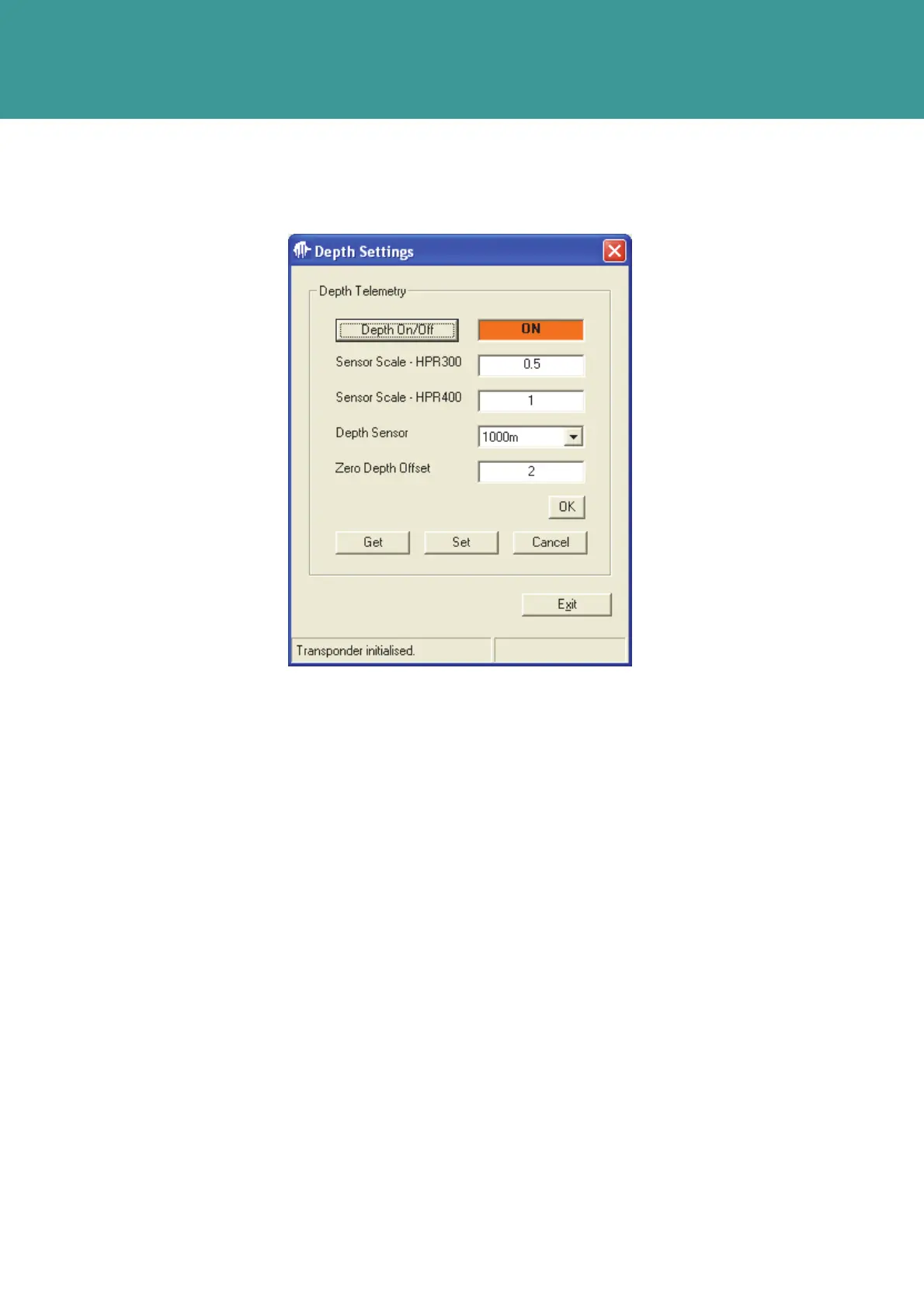
To switch the Depth Sensor ON, press the Depth On/Off button to display ON, then press Set.
Figure 7-14 – Depth On/Off Settings
7.7 Transponder Settings
To set the Transponder settings proceed as follows:
1. In the Main Screen, press the Settings button
2. Select Get to read the parameters.
3. For a Sonardyne Wideband Scheme, pressing the Advanced button from the Quickset
Wideband window will access this display
October 2011



 To Next Page