WSM6 Manual
Document Ref: UM-8270-000
Issue: A Rev 0
Section 7
80
7.9.2.4 Running the test
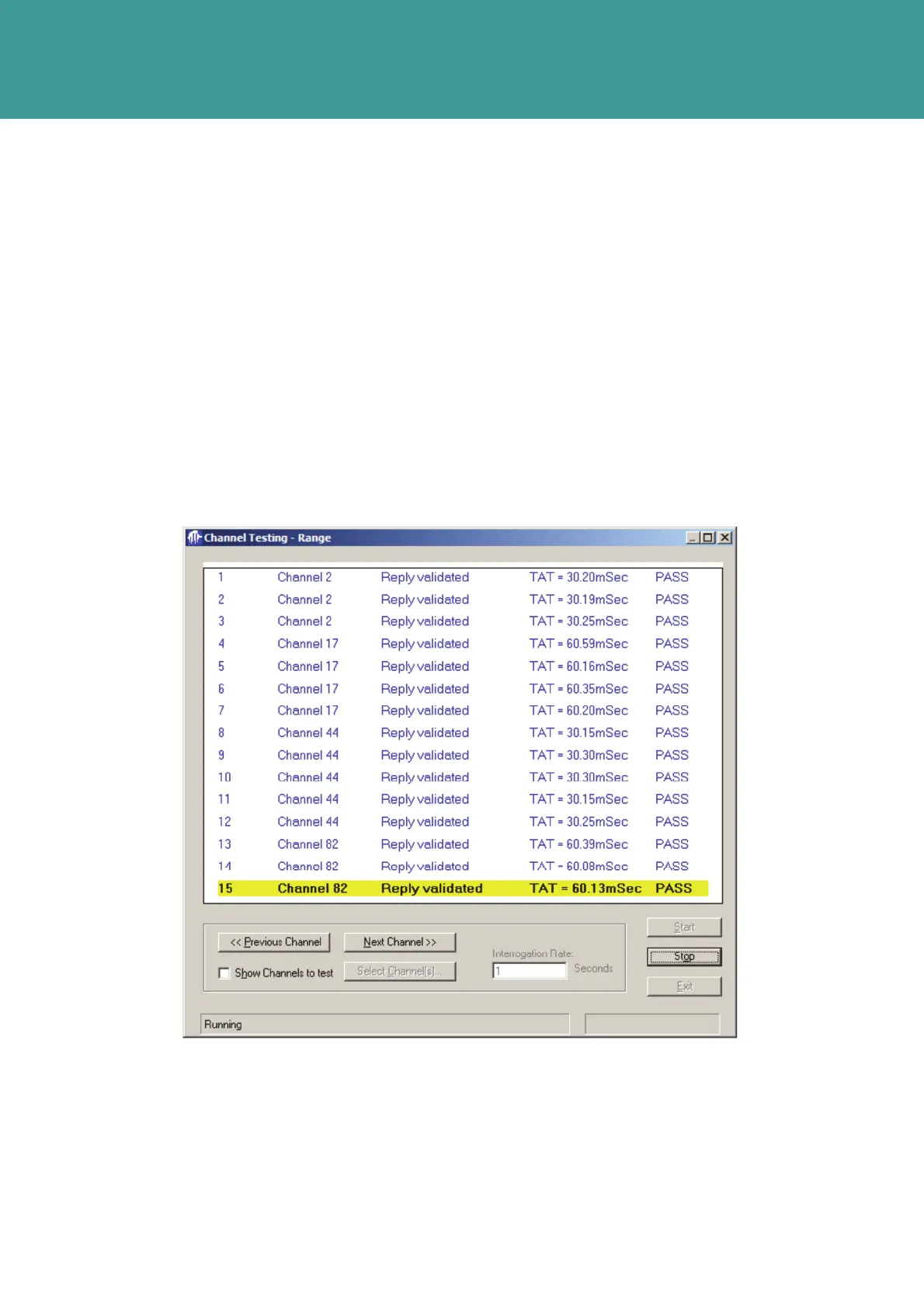
1. When Channel(s)-to-test have been selected, press OK then Start on the Channel Range
Testing window.
2. The ANT will be initialised and configured with the first Channel(s)-to-test, before actual
interrogations begin.
3. For each interrogation, the Transponder will either reply with a Turn-Around-Time, or indicate
an invalid reply.
4. Press Previous Channel or Next Channel to respectively select lower and higher ones in
the list (assuming more than one), or temporarily stop testing by checking Show Channels to
test and display the current list of channels.
5. Press Stop to stop testing, and Back to return to the Main window.
Figure 7-40 – Channel Testing Range
October 2011



 To Next Page