WSM6 Manual
Document Ref: UM-8270-000
Issue: A Rev 0
Section 7
64
Power Level is the signal strength of the Transponder replies. The options are High or Low.
Transponders should use the lowest power level that works reliably in the operational environment.
NOTE
Setting low power will increase battery life by an approximate factor of 2.
Gain is the amplification level used in the Transponder pre-amplifier. For short-range operations, or
in high-noise environments, Low Gain should be used.
Transducer is the transducer type fitted on the unit and is determined by the version of Tx card
fitted – do not alter this setting.
NOTE
Other parameters on this page do not normally have to be altered.
7.7.1 Release
This feature is not supported in the WSM in general, and when the WSM does support the external
release feature it does not need configuring through the serial link. The release features are greyed
out when a WSM firmware version is detected by the WSM terminal.
7.8 Firmware Upgrade Download
WSM6s are capable of accepting firmware upgrades from a PC, via the Type 7972-000-04
Charger/Interface, thus eliminating the need to dismantle the Transponder.
To download a firmware upgrade, proceed as follows:
1. From the WSM Terminal main screen, press Download.
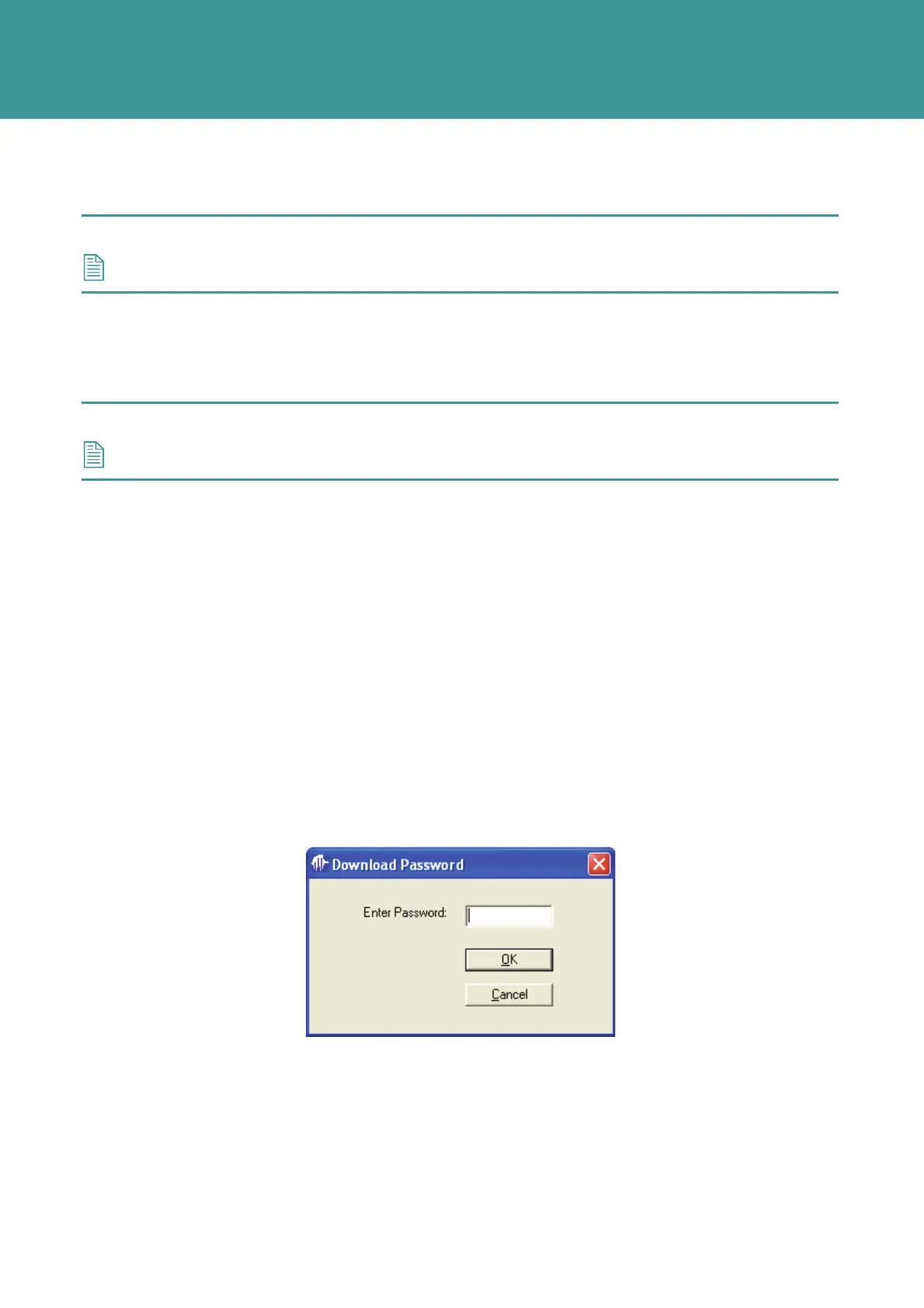
2. The following password prompt screen will display.
Figure 7-18 – Download Password prompt
3. Enter the password – super. The password is case sensitive.
4. The Firmware Download screen will appear.
October 2011



 To Next Page