WSM6 Manual
Document Ref: UM-8270-000
Issue: A Rev 0
Section 7
October 2011 67
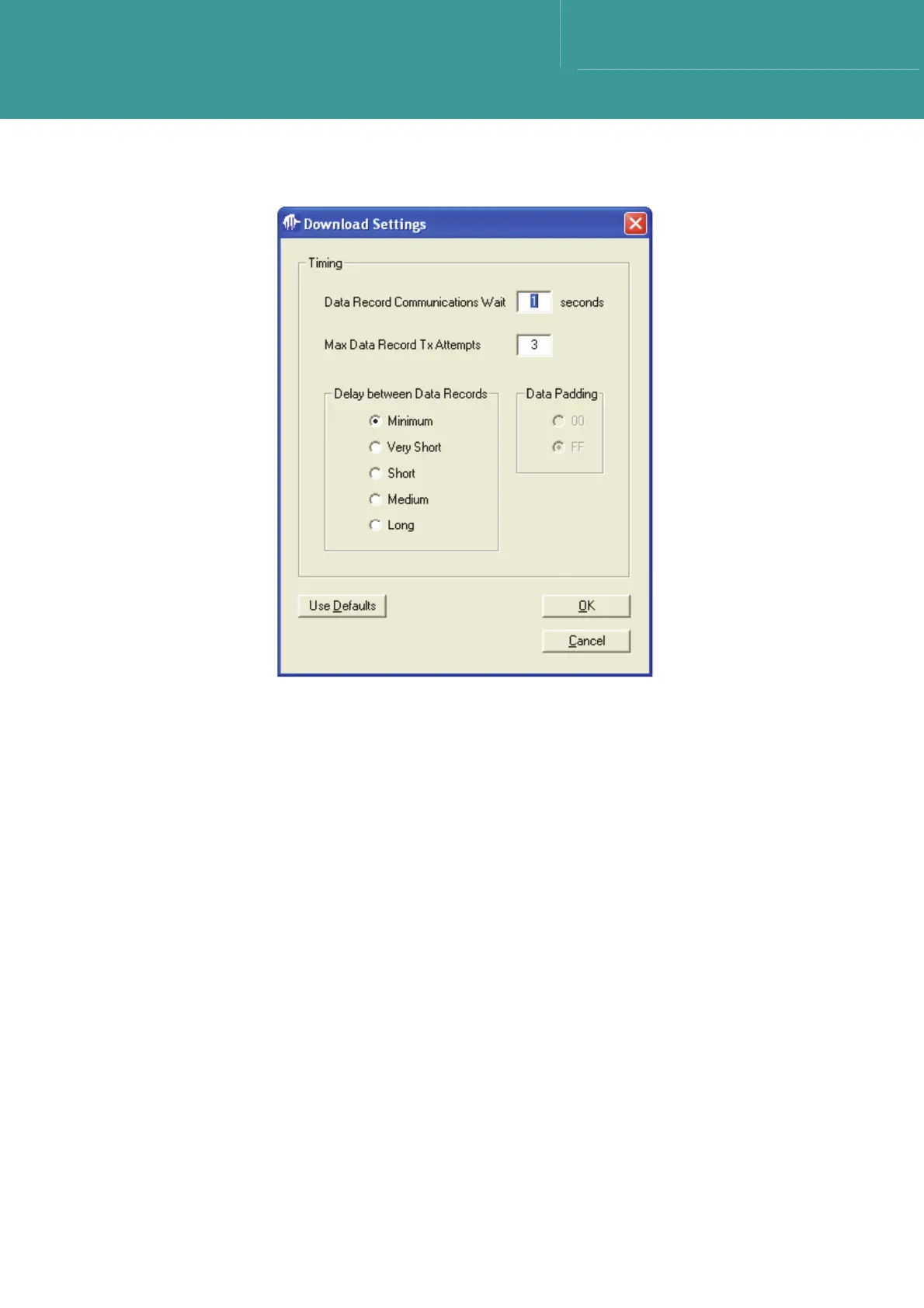
Figure 7-21 – Download settings
7.8.1.2 Downloading
1. With a .DLD filename selected, and Download Settings confirmed, press Start Download to
begin the firmware download.
2. Assuming the Transponder firmware supports the Downloading function, the Transponder will
reply to the Download request following the erasure of its Program memory in EEPROM, a
few seconds later.
3. The bootloader code will remain intact.
4. Following erasure, the Transponder requests the PC for new code.



 To Next Page