WSM6 Manual
Document Ref: UM-8270-000
Issue: A Rev 0
Section 7
58
7.4.3.4 HPR
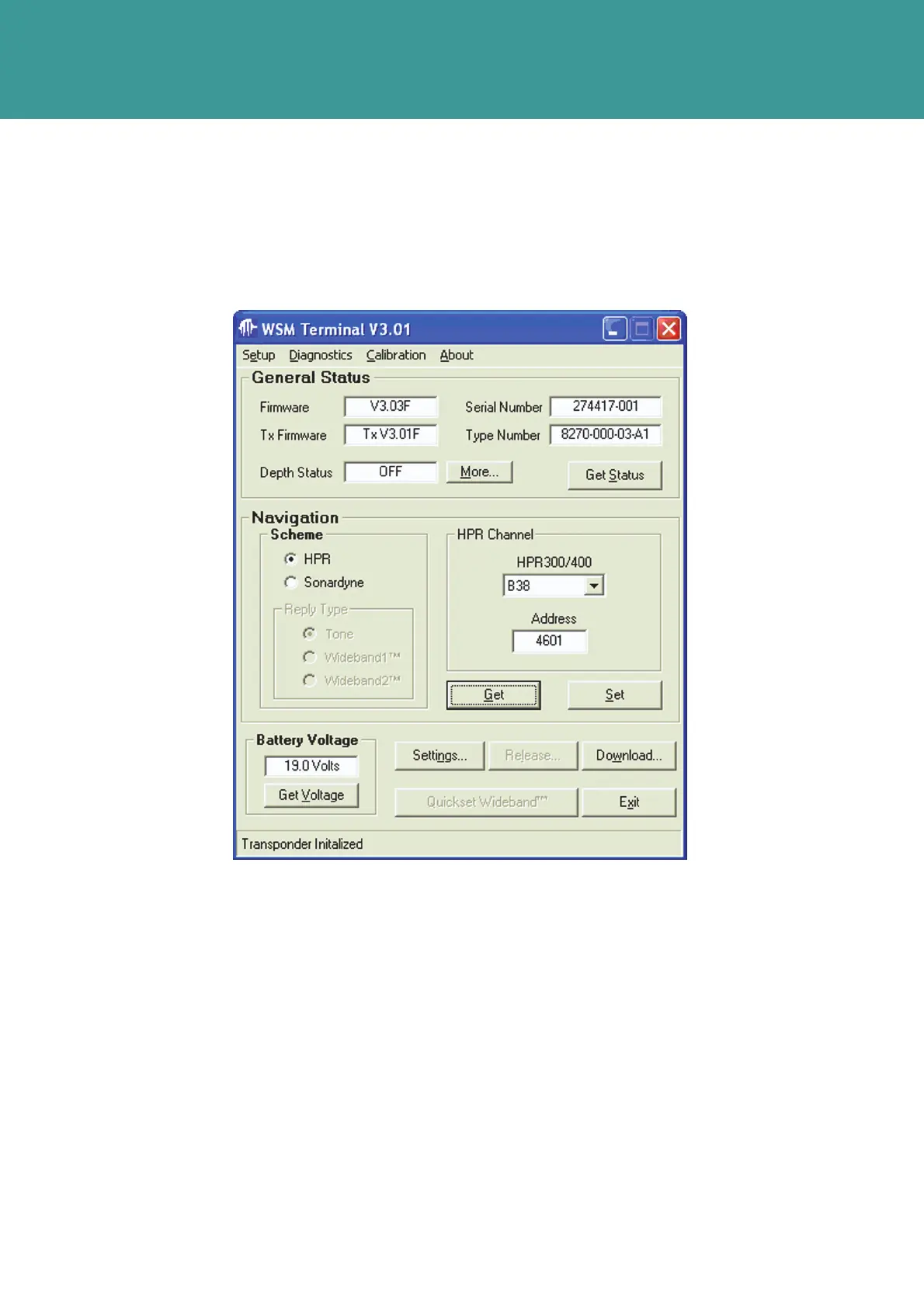
With the NAV Scheme set to HPR, the HPR Channel box will contain the beacon channel if
configured for HPR300 or HPR400.
The Interrogate and Reply channels are a fixed pair in the HPR mode.
Figure 7-12 – HPR set up
To change the HPR proceed as follows:
1. Select a different channel from the HPR300/400 drop down menu.
2. Click Set. The new channel will appear in the HPR box.
3. The acoustic command Address is in the lower box. The beacon can only be commanded by
a Sonardyne Transceiver.
October 2011



 To Next Page