126 User Interface
2006792 Rev B – 200228
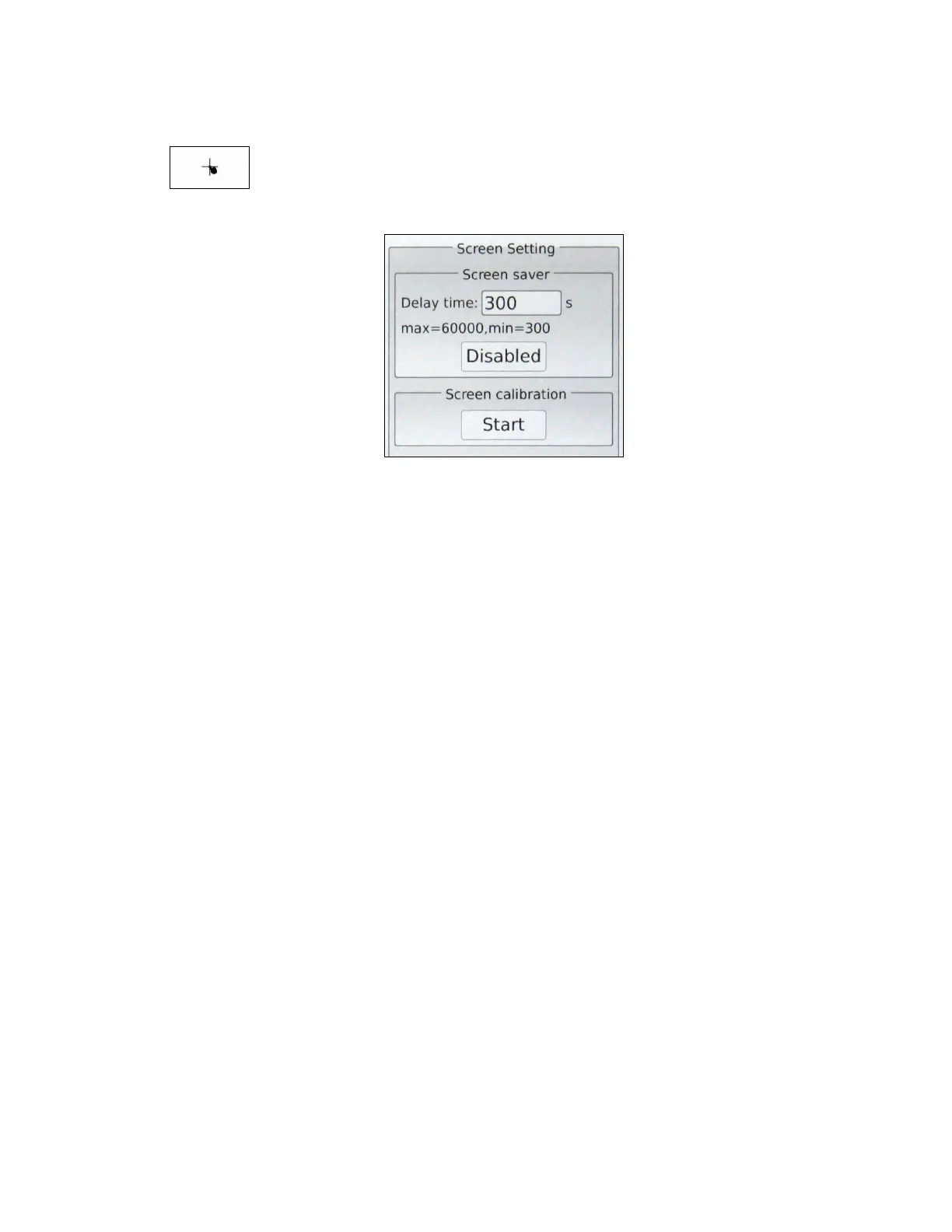
Screen Setting
Select to view and set Touchscreen settings.
Screen Saver:
Adjusts the screen saver settings and allows the screen saver to be enabled or
disabled:
• Delay Time: Number of milliseconds of screen inactivity before the screen
saver should be displayed.
Screen Calibration:
Pressing Start begins the process of calibrating/recalibrating the Touchscreen.
Another screen will display showing “+” images in various places on the screen. The
system takes you through touching each one to recalibrate the Touchscreen so that
it responds more accurately.
.
Select Close to close the Screen Settings.



 To Next Page